67
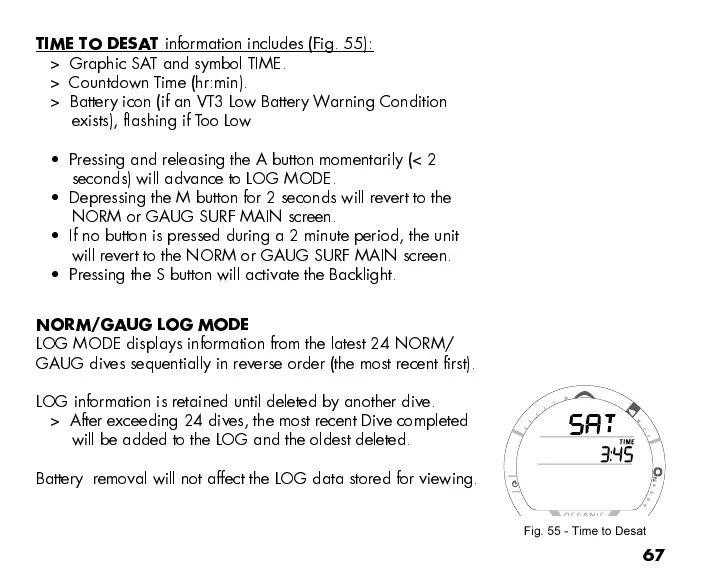
TIME TO DESAT
information includes (Fig. 55):
> Graphic SAT and symbol TIME.
> Countdown Time (hr:min).
> Battery icon (if an VT3 Low Battery Warning Condition
exists), flashing if Too Low
Pressing and releasing the A button momentarily (< 2
seconds) will advance to LOG MODE.
Depressing the M button for 2 seconds will revert to the
NORM or GAUG SURF MAIN screen.
If no button is pressed during a 2 minute period, the unit
will revert to the NORM or GAUG SURF MAIN screen.
Pressing the S button will activate the Backlight.
NORM/GAUG LOG MODE
LOG MODE displays information from the latest 24 NORM/
GAUG dives sequentially in reverse order (the most recent first).
LOG information is retained until deleted by another dive.
> After exceeding 24 dives, the most recent Dive completed
will be added to the LOG and the oldest deleted.
Battery removal will not affect the LOG data stored for viewing.
Fig. 55 - Time to Desat



 To Next Page