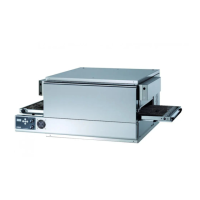
5.1
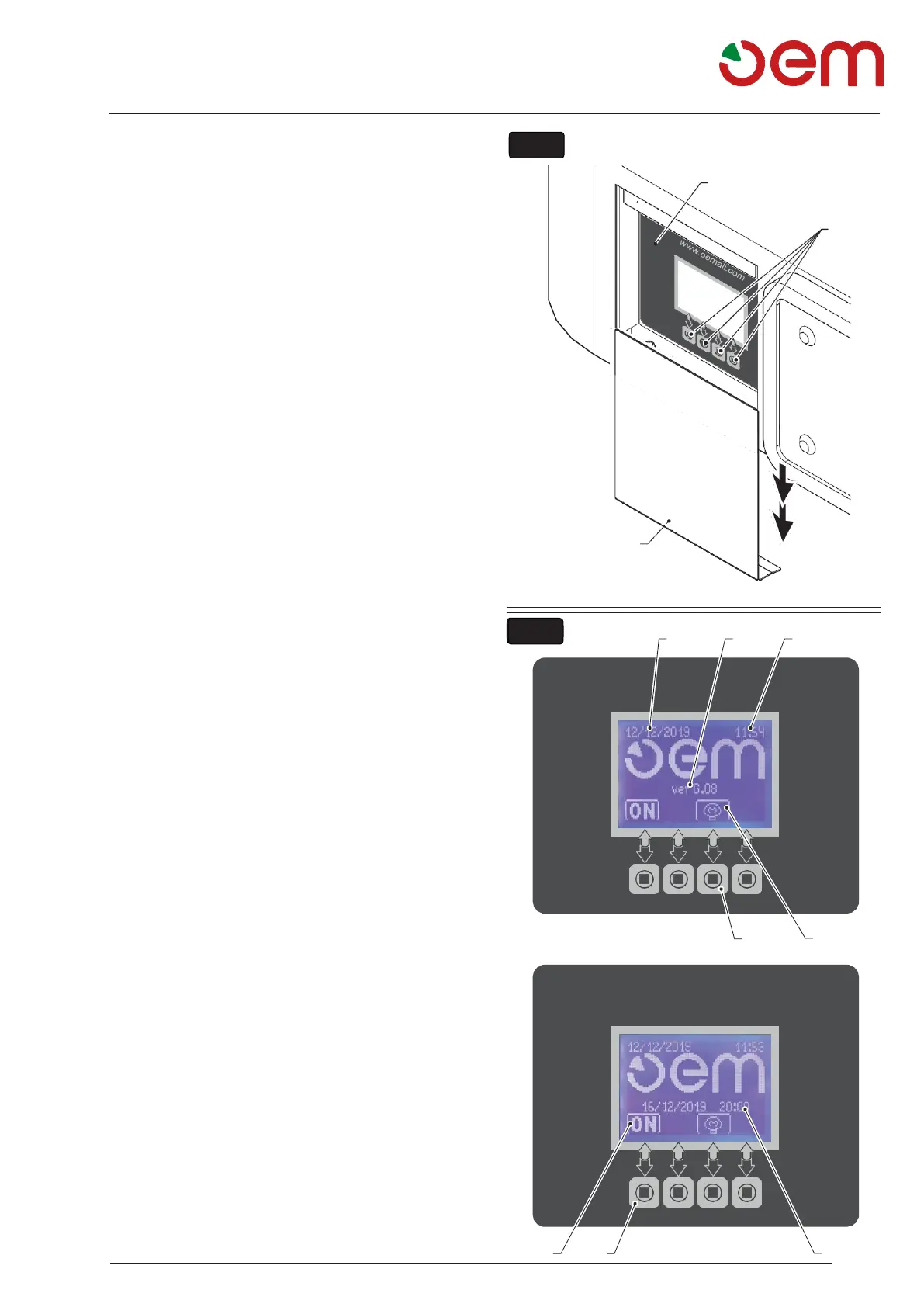
- OVEN CONTROL PANEL (Fig. 1)
To access the controls of the oven, pull down the
magnetic panel (1).
2. Display
3. Functional enabling icons
5.2
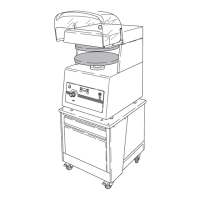
- USER INTERFACE (Fig. 2)
The following appears when the display oven is switched
on:
1. Calendar
This shows the day of the week, the month and the
year.
2. Time
This shows the hours and minutes.
3. Scheduled start-up
If the schedule start-up function is set, the day of
week and start-up time are displayed.
4. Symbol of light
Shows whether the interior light is off or on.
5. Light icon
Pressing the icon I turn on and off the light.
6. Software versions
This displays the display software version and the
power board software version.
7. ON/OFF
Pressing the icon (8) to the “ON" symbol you switch
on the oven with the parameters in memory.


 To Next Page