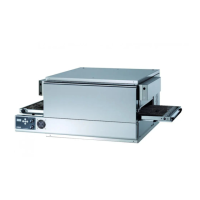
6.2 - RESETTING THE SAFETY THERMOSTAT
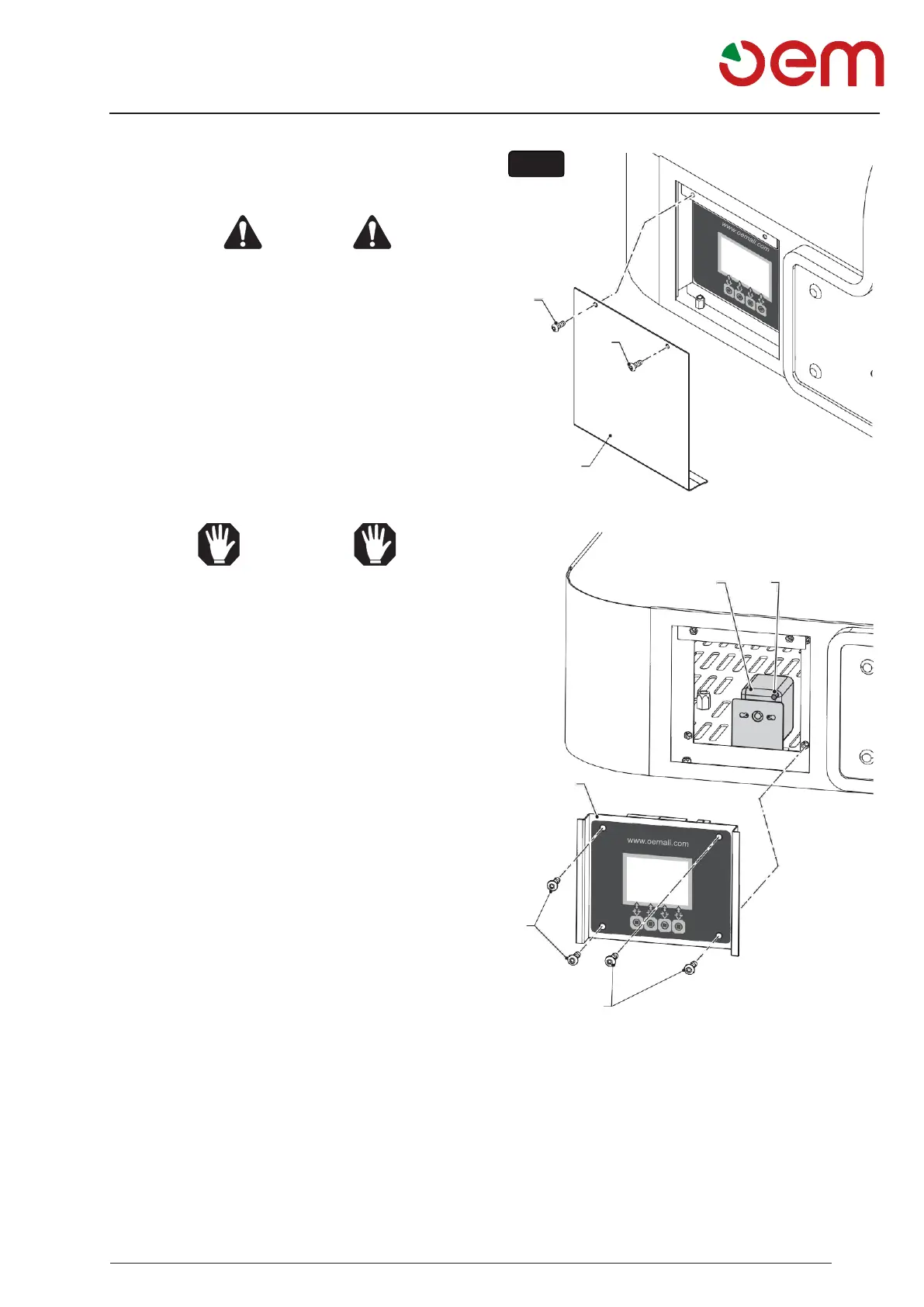
(FIG.7)
DANGER
Make sure that the power to the electric
panel has been cut.
Operate as follows to reset the safety thermostat:
• Undo the screws (1) and remove the panel (2).
• Unscrew the screws (3) and remove the control panel
(4).
• Press the button (5) to reset the safety thermostat
(6) located in the technical compartment.
ATTENTION
If the thermostat lights up several times,
this indicates that there is some problem
in the oven.
Call the technical assistance service.
3


 To Next Page