119
Floating-point Math Instructions
Section 3-13
EXPONENT
EXP
@EXP
467
Output
Required
LOGARITHM
LOG
@LOG
468
Output
Required
EXPONENTIAL
POWER
PWR
@PWR
840
Output
Required
FLOATING SYM-
BOL COMPARI-
SON (CS1-H,
CJ1-H, CJ1M, or
CS1D only)
LD, AND. or OR
+
=F (329),
<>F (330),
<F (331),
<=F (332),
>F (333),
or >=F (334)
Compares the specified single-precision data (32 bits) or constants
and creates an ON execution condition if the comparison result is true.
Three kinds of symbols can be used with the floating-point symbol
comparison instructions: LD (Load), AND, and OR.
LD:
Not required
AND or OR:
Required
FLOATING-
POINT TO ASCII
(CS1-H, CJ1-H,
CJ1M, or CS1D
only)
FSTR
@FSTR
448
Converts the specified single-precision floating-point data (32-bit deci-
mal-point or exponential format) to text string data (ASCII) and outputs
the result to the destination word.
Output required
Instruction
Mnemonic
Code
Symbol/Operand Function Location
Execution condition
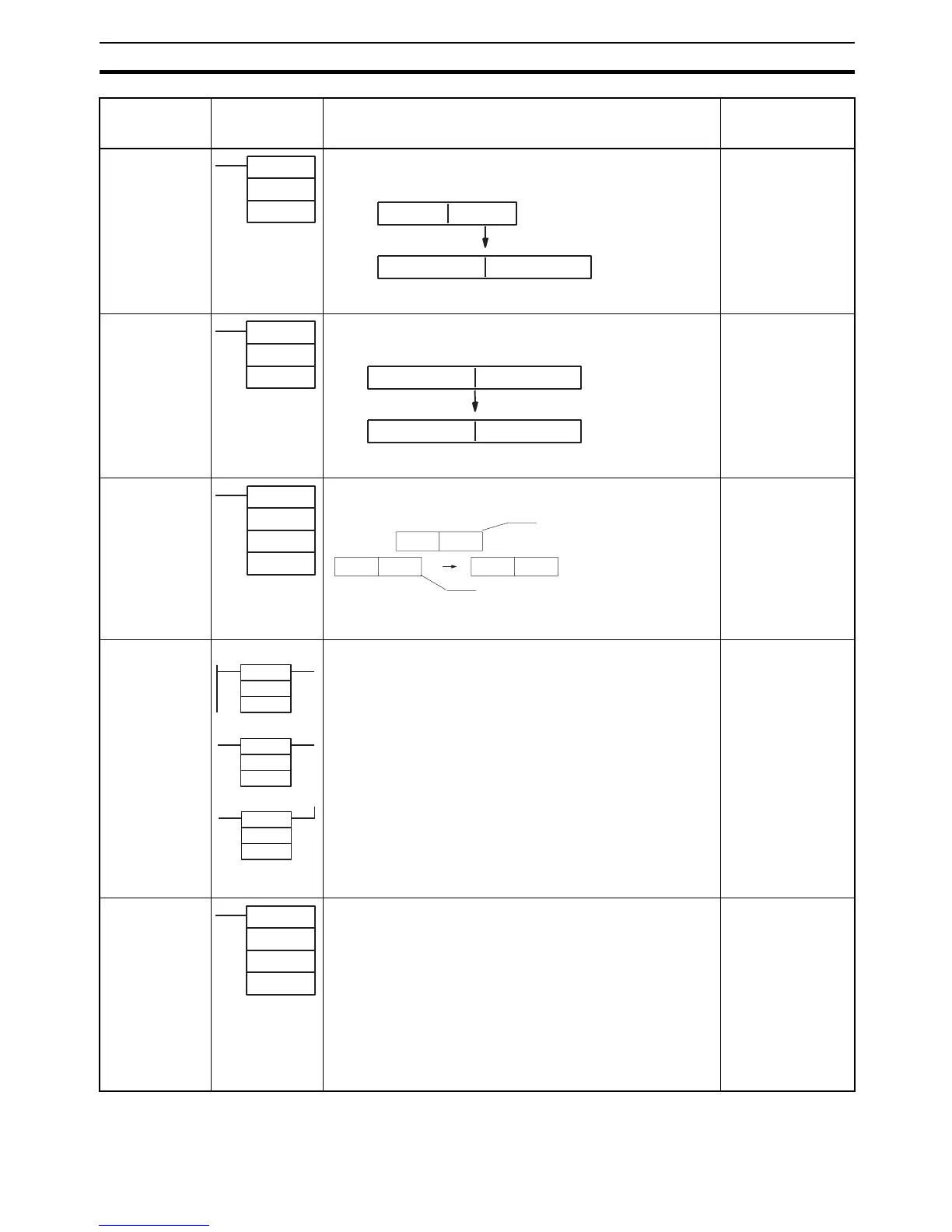
EXP(467)
S
R
S: 1st source
word
R: 1st result word
R+1 R
S
S+1
e
Calculates the natural (base e) exponential of a 32-bit floating-point
number and places the result in the specified result words.
Source (32-bit
floating-point
data)
Result (32-bit
floating-point
data)
LOG(468)
S
R
S: 1st source
word
R: 1st result word
R+1 R
S
S+1
log
e
Calculates the natural (base e) logarithm of a 32-bit floating-point
number and places the result in the specified result words.
Source (32-bit
floating-point
data)
Result (32-bit
floating-point
data)
PWR(840)
B
E
R
B: 1st base word
E: 1st exponent
word










 To Next Page