281
Cycle Time/High-speed Processing Section 6-1
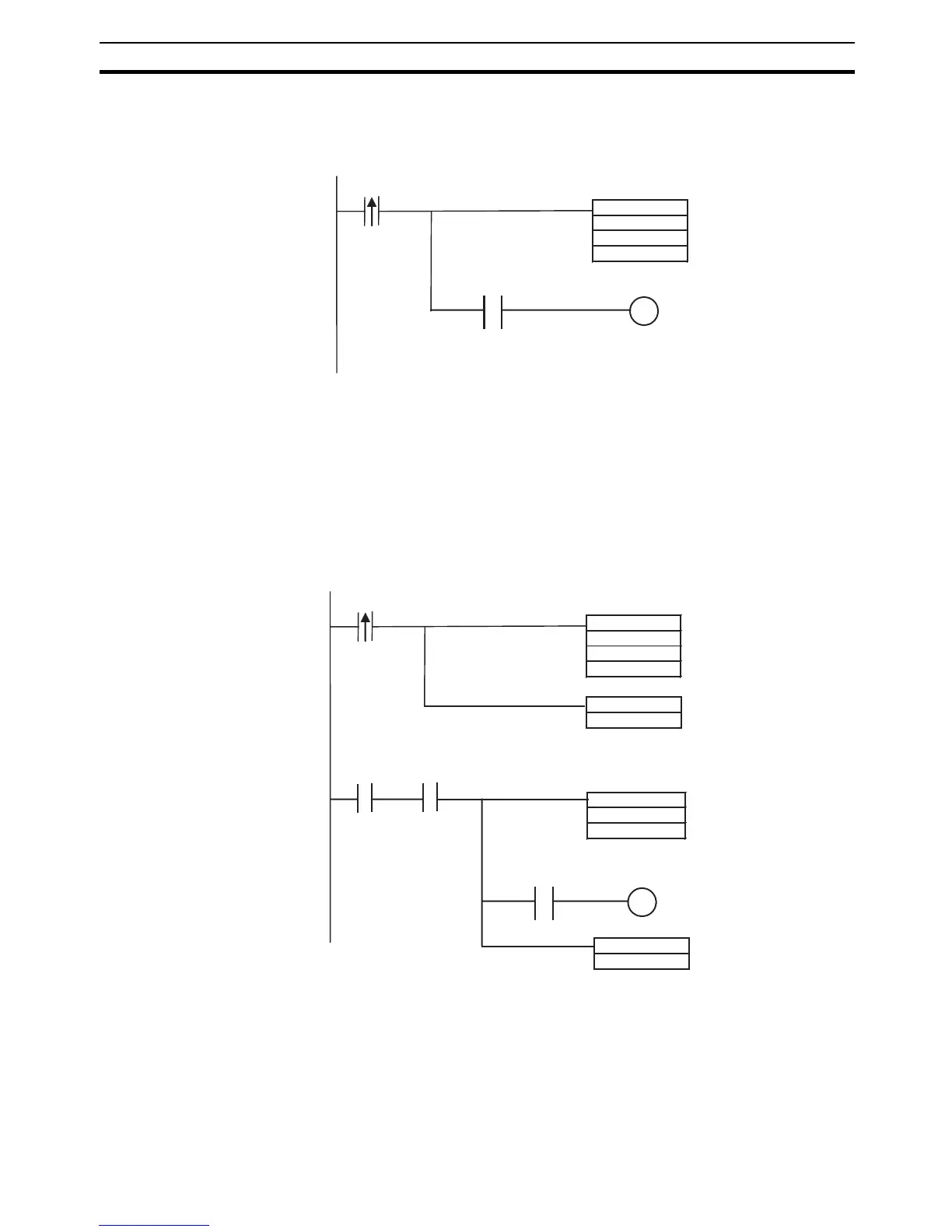
■ Traditional Programming without Background Execution
To check whether the minimum value found by MIN(183) is 0, the status of the
Equals Flag is checked just after execution of MIN(183).
■ Programming with Background Execution
MOV(021) is used to check whether the minimum value found by MIN(183) is
0, because the Equals Flag in MOV(021) (Equals Flag = ON when the source
data in S is 0) operates in the same way as in MIN(183) (Equals Flag = ON
when the minimum value is 0).
The minimum value found by MIN(183) is transferred to the same address by
MOV(021). By referencing the Equals Flag after the MOV(021) transfer, it is
possible to reference the status of the Equals Flag when MIN(183) was exe-
cuted.
6-1-8 Sharing Index and Data Registers between Tasks
Index and Data Registers (IR/DR) can be shared between tasks. The normal
setting is for separate registers for each task. The current setting can be con-
firmed in A09914.
MIN
D01000
D02000
D00000
a
Execution condition
P_EQ
W00000
EQ Flag
MIN(183) is executed when
execution condition "a" goes
ON and the minimum value is
stored in D00000.
When the minimum value in
D00000 is 0, the Equals Flag
goes ON and W00000 is
turned ON.
MIN
D01000
D02000
D00000
a
Execution condition
SET
b
P_EQ
W00000
MOV
D00000
D00000
A20200
b
Execution condition
RSET
b
EQ Flag
MIN(183) is executed when
execution condition "a" goes ON
and the minimum value is
stored in D00000.
Execution condition b is turned
ON to enable executing
Condition Flag reference
processing.
After MIN(183) execution is
completed, the contents of
D00000 is transferred to
D00000 to operate the
Condition Flags.
When D00000 contains 0000
hex, the Equals Flag goes ON
and W00000 is turned ON.
At the same time, execution
condition "b" is turned OFF so
that the he Condition Flags are
not referenced again.










 To Next Page