362
Trial Operation and Debugging Section 7-2
Programming Device Operation for CX-Programmer
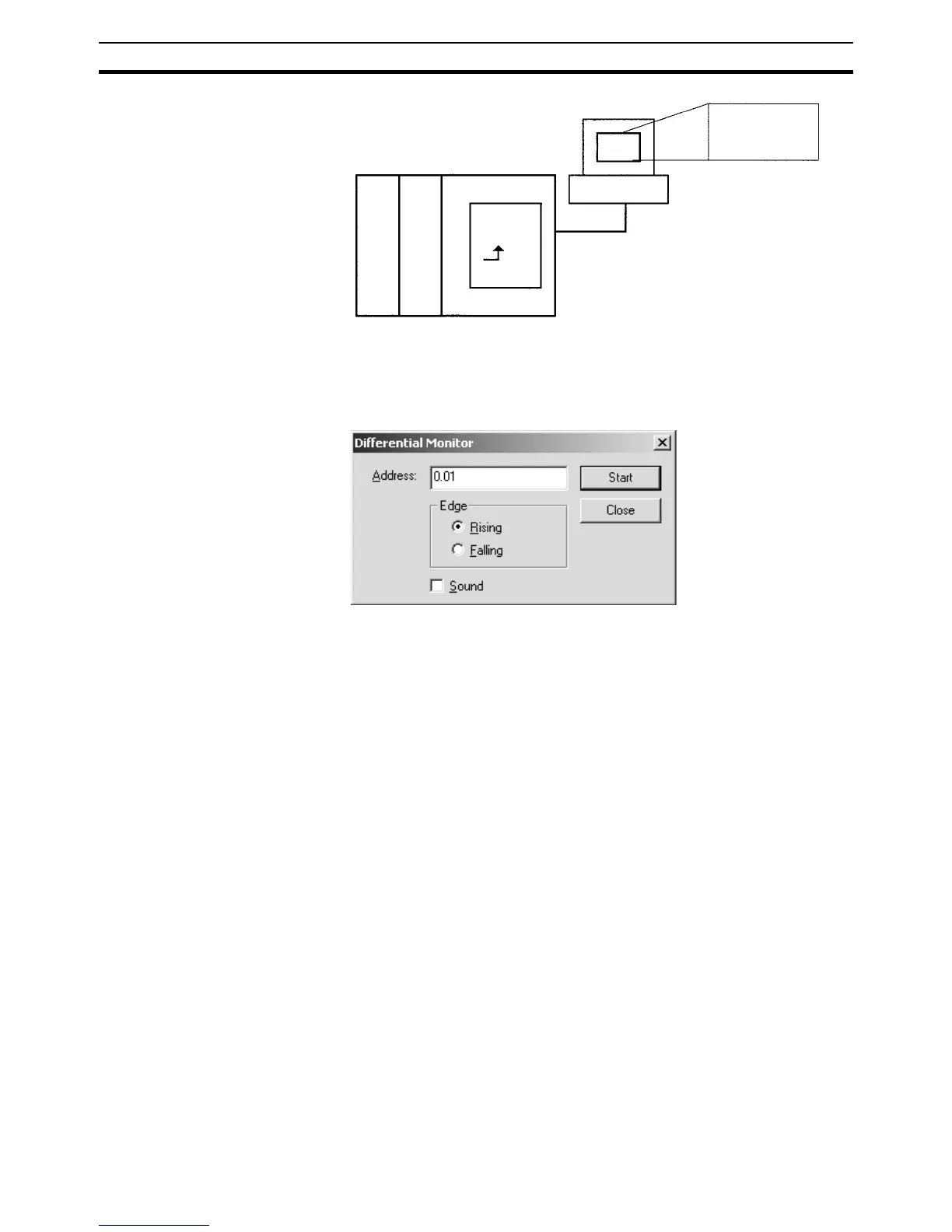
1,2,3... 1. Right-click the bit for differential monitoring.
2. Click Differential Monitor from the PLC Menu. The Differential Monitor Di-
alog Box will be displayed.
3. Click Rising or Falling.
4. Click the Start button. The buzzer will sound when the specified change is
detected and the count will be incremented.
5. Click the Stop button. Differential monitoring will stop.
7-2-3 Online Editing
The Online Editing function is used to add to or change part of a program in a
CPU Unit directly from the Programming Devices when the CPU Unit is in
MONITOR or PROGRAM mode. Additions or changes are made one instruc-
tion at a time for the Programming Console and one or more program sections
at a time from the CX-Programmer. The function is thus designed for minor
program changes without stopping the CPU Unit.
Online editing is possible simultaneously from more than one computer run-
ning the CX-Programmer as well as from a Programming Console as long as
different tasks are edited.
CPU Unit
Bit A
I/O memory
Moni-
tored
for OFF
to ON
transi-
tion.
Programming Device
Detects bit A
OFF to ON
transition.










 To Next Page