202
File Memory Section 5-1
3. Insert the Memory Card with the label facing to the right. Do not attempt to
insert it in any other orientation. The Memory Card or CPU Unit may be
damaged.
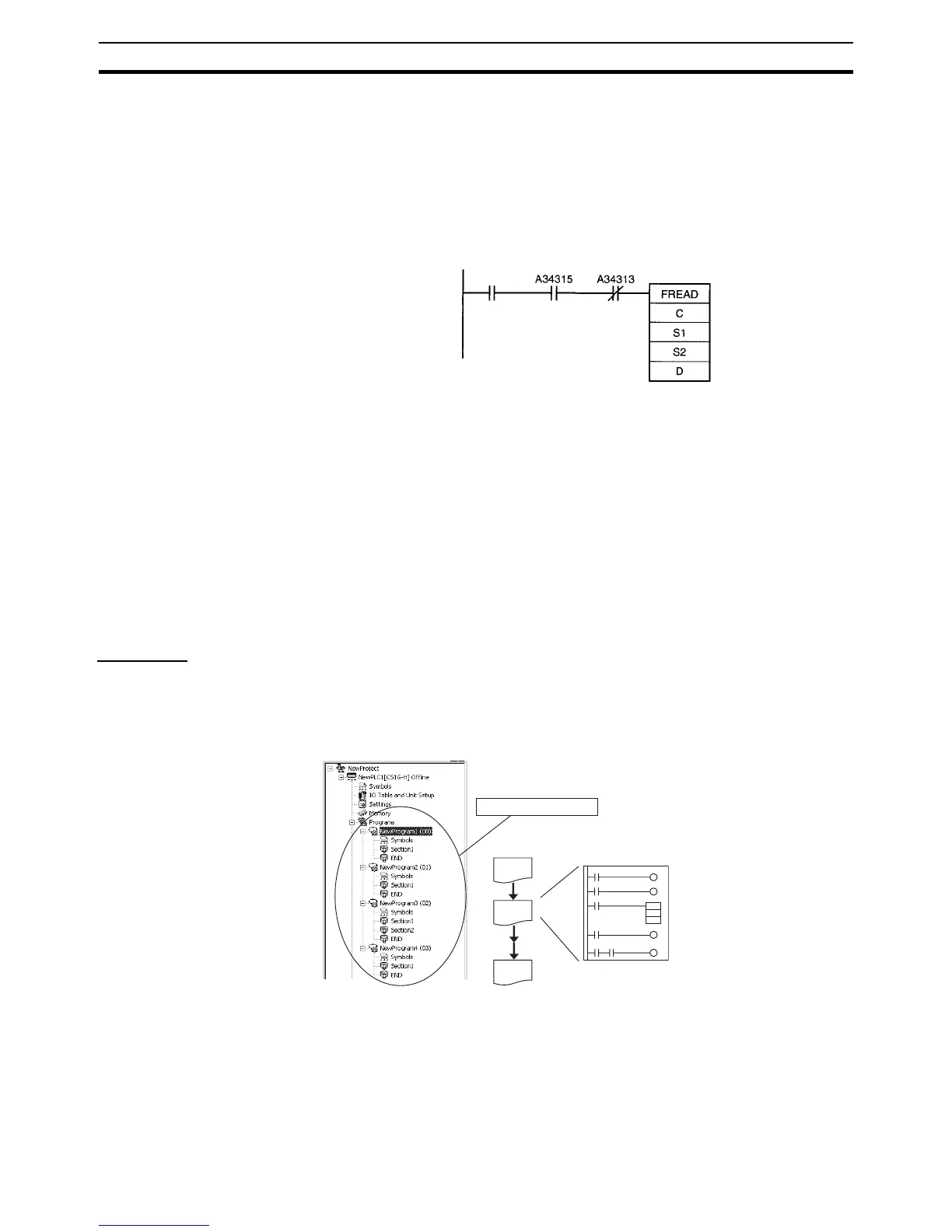
4. A few seconds will be required for the CPU Unit to recognize the Memory
Card after it is inserted. When accessing a Memory Card immediately after
turning ON the power supply or inserting the Memory Card, program an
NC condition for the Memory Card Recognized Flag (A34315) as an input
condition, as shown below.
5-1-2 Files Stored in File Memory
The following types of files can be stored in file memory.
1,2,3... 1. Program files
2. Parameter files
3. Data files
4. Symbol table files
5. Comment files
6. Program index files
7. Unit and Board backup files
File Types
1. Program File
The program file contains the CPU Unit's user program (the programs in the
cyclic tasks and interrupt tasks). This file also contains each program's prop-
erties
2. Parameter File
The parameter file contains the CPU Unit's internal Parameter Area data. The
Parameter Area data includes the PLC Setup, registered I/O tables, CPU Bus
Unit settings (including the data link parameters), and routing tables.
Execution
condition
Memory Card
Detected Flag
File Memory
Operation Flag
Entire program










 To Next Page