5
Using the Internal Clock (CS1 CPU Units Only) Section 1-2
1-2 Using the Internal Clock (CS1 CPU Units Only)
The internal clock of the CPU Unit is set to “00 year, 01 month, 01 day (00-01-
01), 00 hours, 00 minutes, 00 seconds (00:00:00), and Sunday (SUN)” when
the Battery Set is mounted in the CS-series CPU Unit.
When using the internal clock, turn ON the power supply after mounting the
Battery Set and 1) use a Programming Device (Programming Console or CX-
Programmer) to set the clock time, 2) execute the CLOCK ADJUSTMENT
(DATE) instruction, or 3) send a FINS command to start the internal clock from
the correct current time and date.
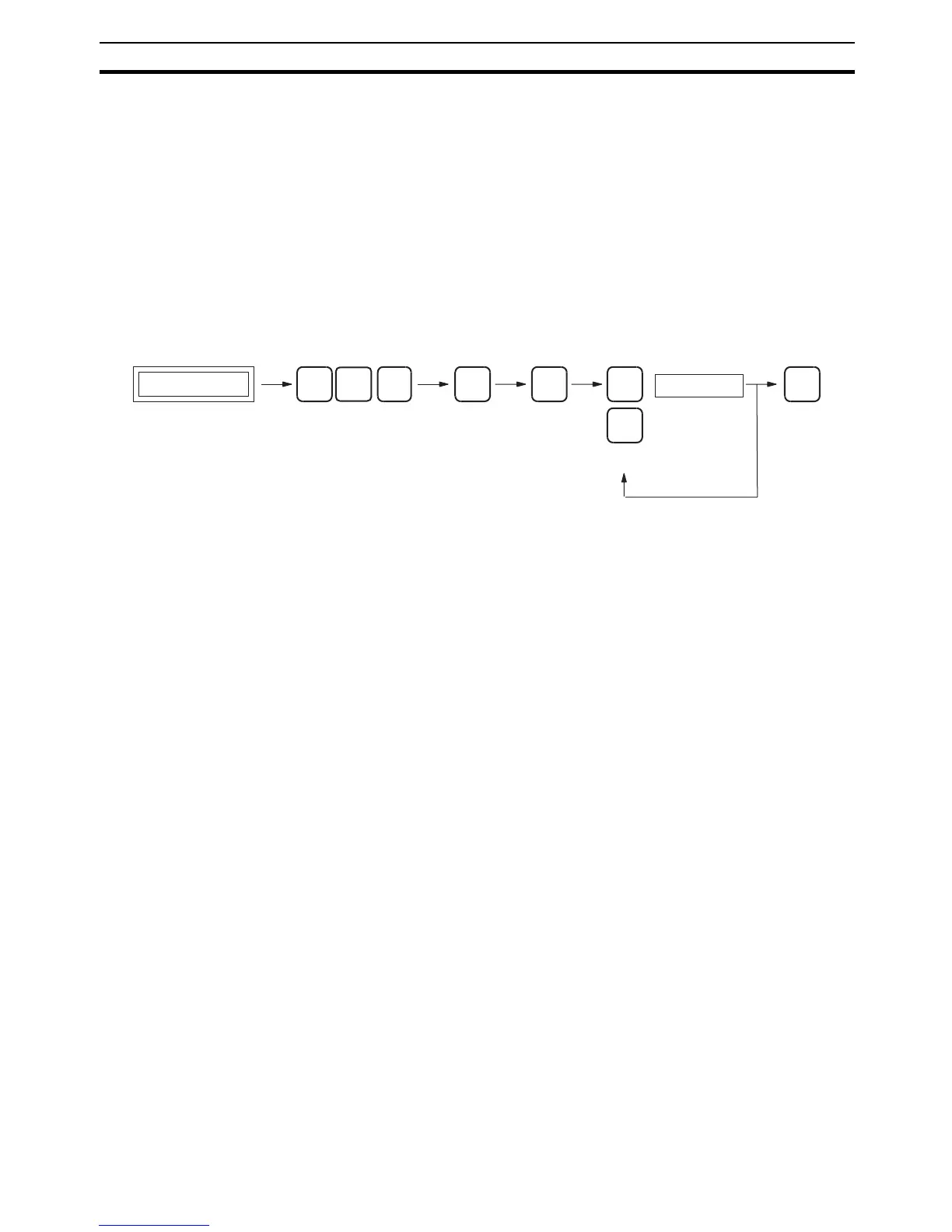
The Programming Console operation used to set the internal clock is shown
below.
Key Sequence
MON
↓
↑
SHIFT
WRITE
FUN
0
CHG
Specify: Yr Mo Day Hr Min S
Data
Initial display










 To Next Page