197
Programming Device Operations for Tasks Section 4-4
4-4 Programming Device Operations for Tasks
4-4-1 Using Multiple Cyclic Tasks
Use the CX-Programmer to create more than one cyclic task (including extra
cyclic tasks). A Programming Console cannot be used to create new cyclic
tasks. Be sure to use a CX-Programmer to allocate the task type and task
number for programs that are created.
• Multiple cyclic tasks created and transferred to a CPU Unit from the CX-
Programmer can be monitored or edited from a Programming Console.
• The Programming Console can be used to create one cyclic task and one
or more specific interrupt tasks simply by using the Programming Con-
sole’s All Clear function and specifying Interrupt Tasks. Only interrupt
tasks 1 (power OFF interrupt), 2 and 3 (scheduled interrupts), and 100
through 131 (I/O interrupts) can be created with a Programming Console.
With a CJ1M CPU Unit, however, interrupt tasks 140 through 143 (for
built-in inputs) can also be created. Cyclic task 0 will start when PLC
operation is started.
4-4-2 Programming Device Operations
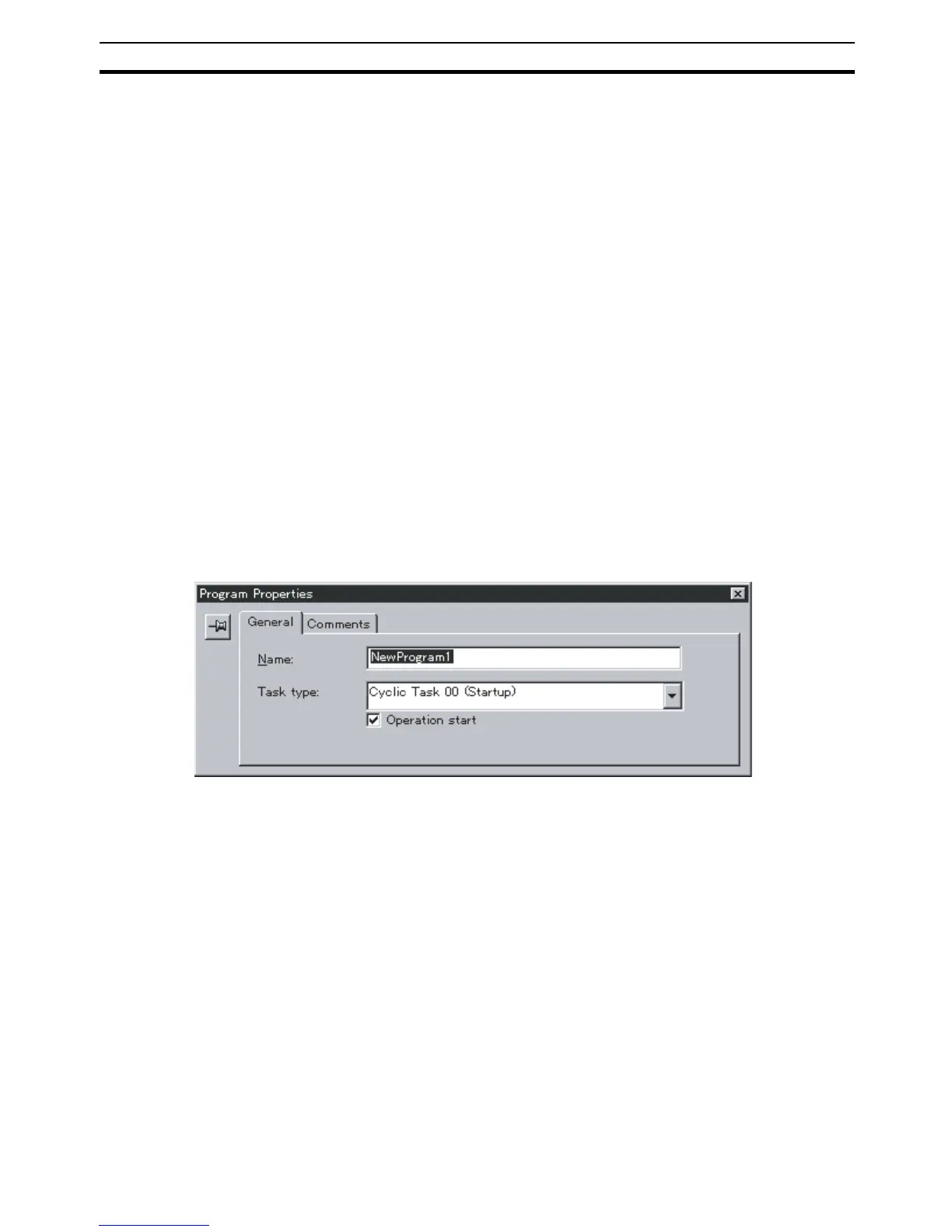
CX-Programmer Specify the task type and number as attributes for each program.
1,2,3... 1. Select View/Properties, or click the right button and select Properties on
the popup menu, to display the program that will be allocated a task.
2. Select the General tab, and select the Task Type and Task No. For the
cyclic task, click the check box for Operation start to turn it ON.
Programming Console A task is handled as the entire program on the Programming Console. Access
and edit a program with a Programming Console by specifying CT00 to CT31
for a cyclic task or IT001 to IT255 for an interrupt task.










 To Next Page