255
Using File Memory Section 5-3
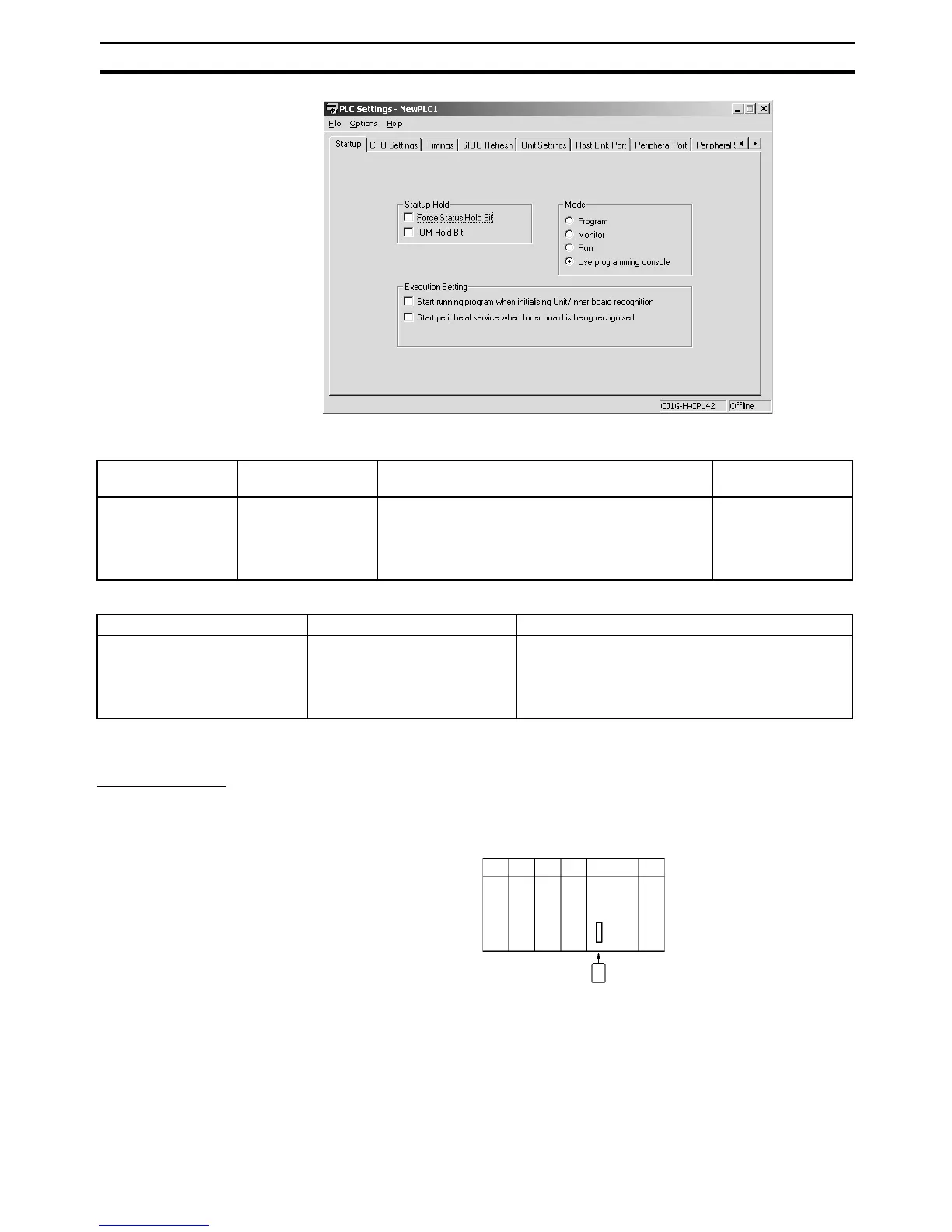
The following table shows the corresponding settings when using a Program-
ming Console.
Related Special Auxiliary Relay
5-3-2 Operating Procedures
Memory Cards
Using a Programming Device
1,2,3... 1. Insert a Memory Card into the CPU Unit.
Programming
Console address
Name Description Initial setting
+136 EM File Memory
Starting Bank
0000 Hex: None
0080 Hex: Starting at bank No. 0
008C hex: Bank No. C
The EM area starting from the specified bank num-
ber will be converted to file memory.
0000 Hex
Name Address Description
EM File Memory Starting Bank A344 The bank number that actually starts the EM file
memory area at that time will be stored. The EM file
from the starting bank number to the last bank will be
converted to file memory. FFFF Hex will indicate that
there is no EM file memory.
Memory Card










 To Next Page