256
Using File Memory Section 5-3
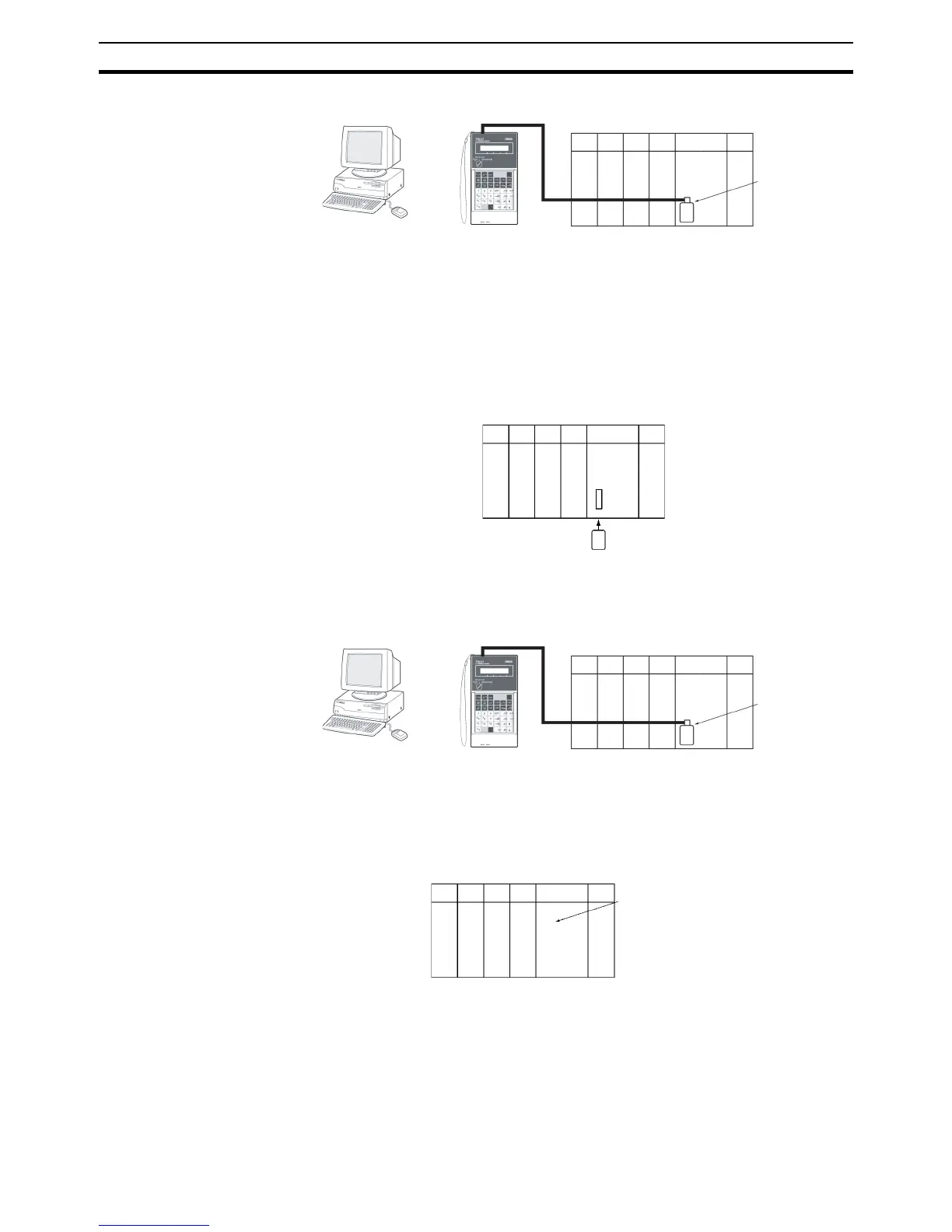
2. Initialize the Memory Card with a Programming Device.
3. Use a Programming Device to name the CPU Unit data (user program, I/O
memory, parameter area), and then save the data to Memory Card. (Use
a Programming Device to read the Memory Card file to the CPU Unit.)
Automatically Transferring Files at Startup
Procedure when Transferring a Parameter Area File
1,2,3... 1. Insert an initialized Memory Card into the CPU Unit.
2. Use a Programming Device to write the automatic transfer at startup files
to the Memory Card. These files include the program file (AUTOEX-
EC.OBJ), parameter area file (AUTOEXEC.STD), and I/O memory files
(AUTOEXEC.IOM, ATEXECDM.IOM and/or ATEXECE@.IOM).
Note A user program and parameter area file must be on the Memory Card.
3. Turn OFF the PLC power supply.
4. Turn ON DIP switch pin 2 (automatic transfer at startup).
Note If pin 7 is ON, the backup function will be enabled and will override
the automatic transfer at startup function. Turn OFF pins 7 and 8 for
automatic transfer at startup.
5. Insert the Memory Card into the CPU Unit.
CX-Programmer
Or
Programming
Console
Initialize
Memory Card
CX-Programmer
Or
Programming
Console
Initialize
DIP switch pin 2 ON










 To Next Page