257
Using File Memory Section 5-3
6. Turn ON the PLC power supply to read the file.
Procedure When Not Transferring a Parameter Area File
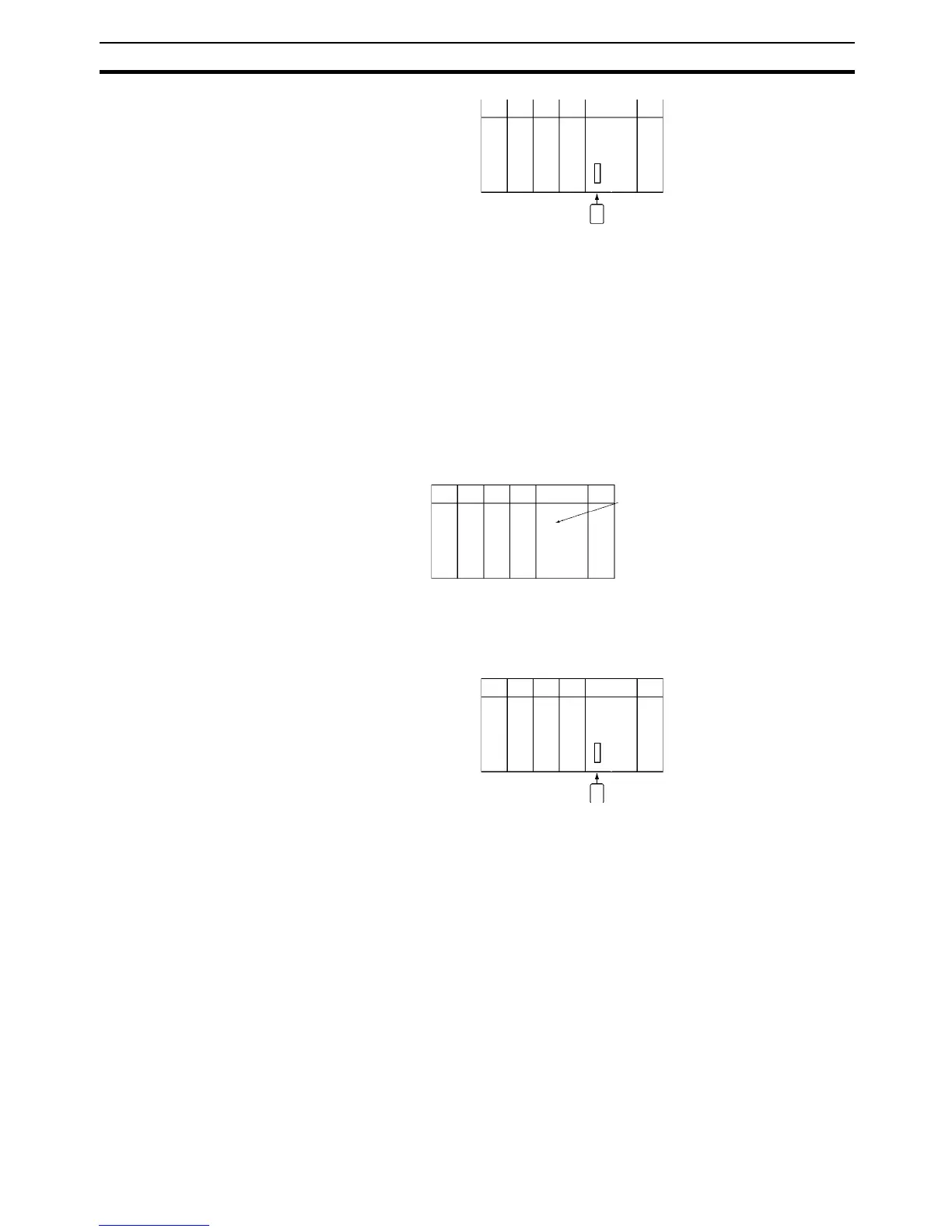
1,2,3... 1. Insert an initialized Memory Card into the CPU Unit.
2. Use a Programming Device to write the automatic transfer at startup files
to the Memory Card. These files include the program file (REPLACE.OBJ)
and I/O memory files (REPLACE.IOM, REPLCDM.IOM, and/or RE-
PLCDE@.IOM).
Note A parameter area will not be transferred even if one is on the Memory Card.
3. Turn OFF the PLC power supply.
4. Turn ON DIP switch pin 2 (automatic transfer at startup).
Note If pin 7 is ON, the backup function will be enabled and will override
the automatic transfer at startup function. Turn OFF pins 7 and 8 for
automatic transfer at startup.
5. Insert the Memory Card into the CPU Unit.
6. Turn ON the PLC power supply to read the file.
Using FREAD(700)/FWRIT(701)/CMND(490)
1,2,3... 1. Insert a Memory Card into the CPU Unit. (Already initialized.)
2. Use FWRIT(701) to name the file in the specified area of I/O memory and
then save the file to Memory Card.
Note A Memory Card containing TXT or CSV data files can be installed
into a personal computer’s PLC card slot with an HMC-AP001
Memory Card Adapter and the data files can be read into a spread-
sheet program using standard Windows functions (Not supported
by CS-series CS1 CPU Units that are pre-EV1).
3. Use FREAD(700) to read the file from the Memory Card to I/O memory in
the CPU Unit.
Memory Card file operations can be executed by issuing FINS commands to
the local CPU Unit with CMND(490). (Not supported by CS-series CS1 CPU
Units that are pre-EV1)
Memory Card
DIP switch pin 2 ON
Memory Card










 To Next Page