264
Cycle Time/High-speed Processing Section 6-1
The following table shows the corresponding settings when using a Program-
ming Console.
6-1-2 Maximum Cycle Time (Watch Cycle Time)
If the cycle time (see note) exceeds the maximum cycle time setting, the
Cycle Time Too Long Flag (A40108) will be turned ON and PLC operation will
be stopped.
Note Indicates the cycle time for program execution when using parallel
processing mode.
PLC Setup
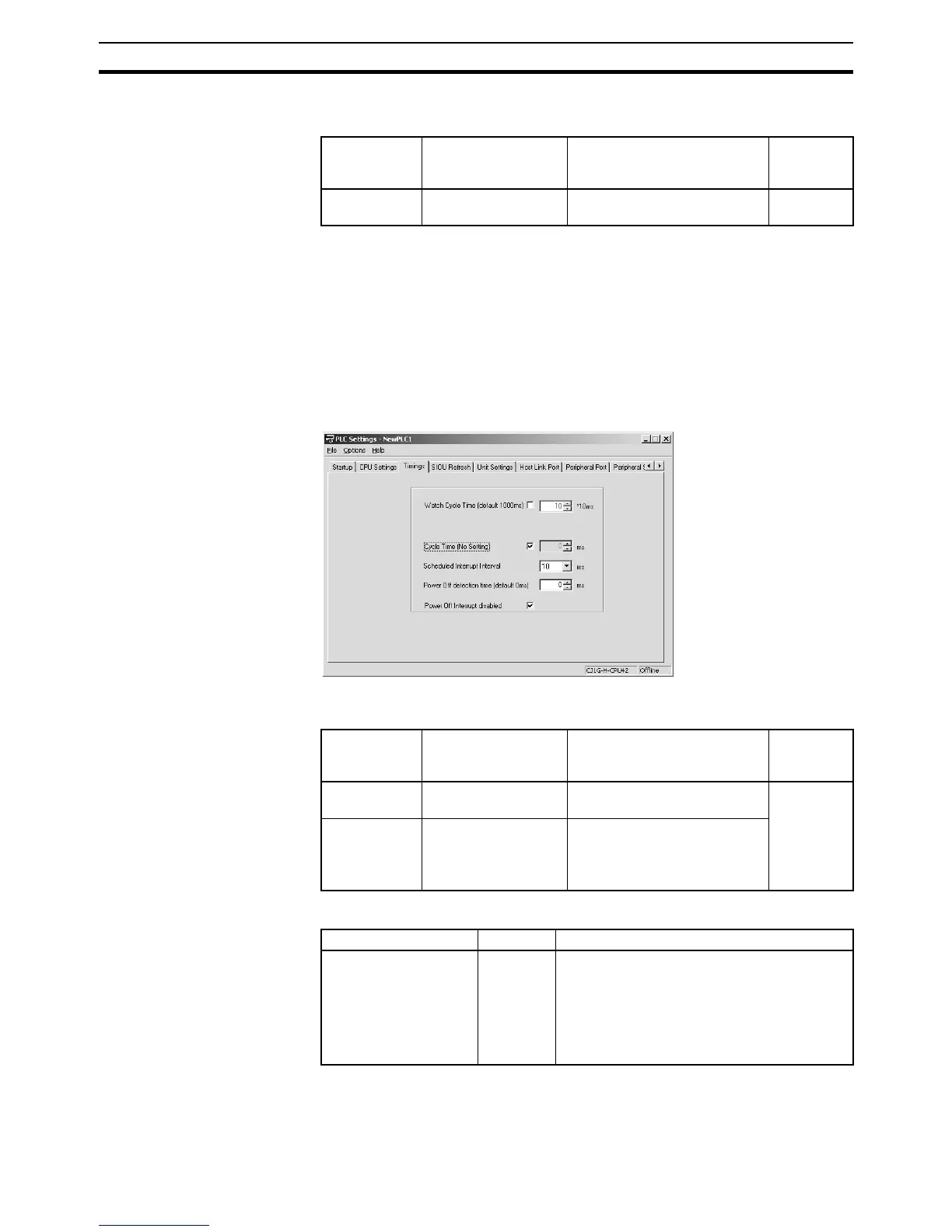
When using the CX-Programmer, make the settings on the Timings Tab Page.
The following table shows the corresponding settings when using a Program-
ming Console.
Auxiliary Area Flags and Words
Note If the peripheral servicing cycle exceeds 2.0 s, a peripheral servicing cycle
time exceeded error will occur and the CPU Unit will stop operation. If this
happens, A40515 (Peripheral Servicing Cycle Time Over Flag) will turn ON.
Programming
Console
address
Name Setting Default
+208, bits 0 to
3
Minimum Cycle Time 0001 to 7D00: 1 to 32,000 ms
(1-ms units)
0000 (no
minimum)
Programming
Console
address
Name Setting Default
+209, bit 15 Enable Watch Cycle
Time Setting
0: Default (1s)
1: Bits 0 to 14
0001 (1 s)
+209, bits 0 to
14
Watch Cycle Time
Setting
(Enabled when bit 15
is set to 1.)
001 to FA0: 10 to 40,000 ms
(10-ms units)
Name Address Description
Cycle Time Too Long
Flag
A40108 A40108 will be turned ON and the CPU Unit
will stop operation if the cycle time exceeds the
watch cycle time setting. The “cycle time”
would be the program execution time when
using a Parallel Processing Mode for CS1-H,
CJ1-H, or CJ1M CPU Units, or CS1D CPU
Units for Single-CPU Systems.










 To Next Page