302
Serial Communications Section 6-3
PLC Setup
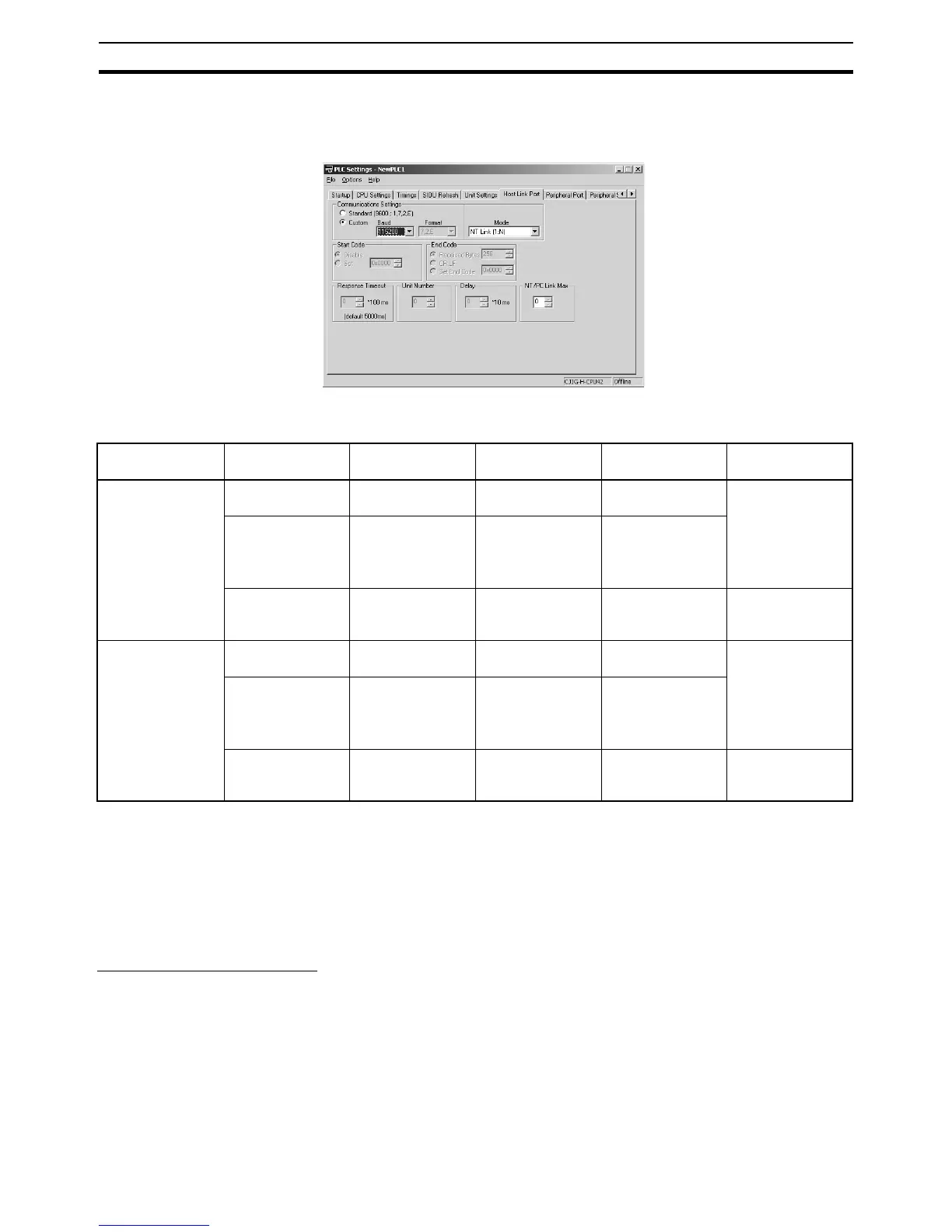
When making settings with the CX-Programmer, set the baud rate to
115,200 bps for a high-speed NT Link or 38,400 bps for a standard NT Link.
The following table shows the corresponding settings when using a Program-
ming Console.
PT System Menu Set the PT as follows:
1,2,3... 1. Select NT Link (1:N) from Comm. A Method or Comm. B Method on the
Memory Switch Menu under the System Menu on the PT Unit.
2. Press the SET Touch Switch to set the Comm. Speed to High Speed.
6-3-4 CPU Unit’s Serial Gateway
Serial Gateway Overview
FINS messages (commands) that are received are automatically converted
into the specified protocol and then sent via serial communications. The
responses are also automatically converted. When the CPU Unit’s RS-232C
port or peripheral port is used, FINS messages can be converted into the fol-
lowing protocol.
• CompoWay/F
The Serial Gateway is enabled when the serial communications mode is set
to Serial Gateway.
Communications
port
Programming
Console address
Name Settings
contents
Default values Other conditions
Peripheral port +144, bits 8 to 11 Serial communica-
tions mode
02 Hex: NT Link
(1:N mode)
00 Hex: Host Link Turn ON pin 4 on
the CPU Unit DIP
switch.
+145, bits 0 to 7 Baud rate 00 to 09 Hex:
Standard NT Link
0A Hex: High-
speed NT Link
00 Hex: Standard
NT Link
+150, bits 0 to 3 NT Link mode
maximum unit
number
0 to 7 Hex 0 Hex (Max. unit
No. 0)
---
RS-232C port +160, bits 8 to 11 Serial communica-
tions mode
02 Hex: NT Link
(1:N mode)
00 Hex: Host Link Turn OFF pin 5 on
the CPU Unit DIP
switch.
+161, bits 0 to 7 Baud rate 00 to 09 Hex:
Standard NT Link
0A Hex: High-
speed NT Link
00 Hex: Standard
NT Link
+166, bits 0 to 3 NT Link mode
maximum unit
number
0 to 7 Hex 0 Hex (Max. unit
No. 0)
---










 To Next Page