172
Task Features Section 4-1
Note The task programs for CS/CJ-series PLCs can be monitored online to see if
they are executing or stopped. The status indications on the CX-Programmer
are as follows:
• Running: The task is in READY or RUN status. (There is no way to tell the
difference between these.)
• Stopped: The task is in INI or WAIT status. (There is no way to tell the dif-
ference between these.)
Note This function is supported by CX-Programmer version 4.0 or higher.
4-1-7 Status Transitions
Note 1. A task in RUN status will be put into Standby status by the TKOF(821) in-
struction even when the TKOF(821) instruction is executed within that task.
2. Activation at the start of operation is possible for normal cyclic tasks only.
It is not possible for extra cyclic tasks.
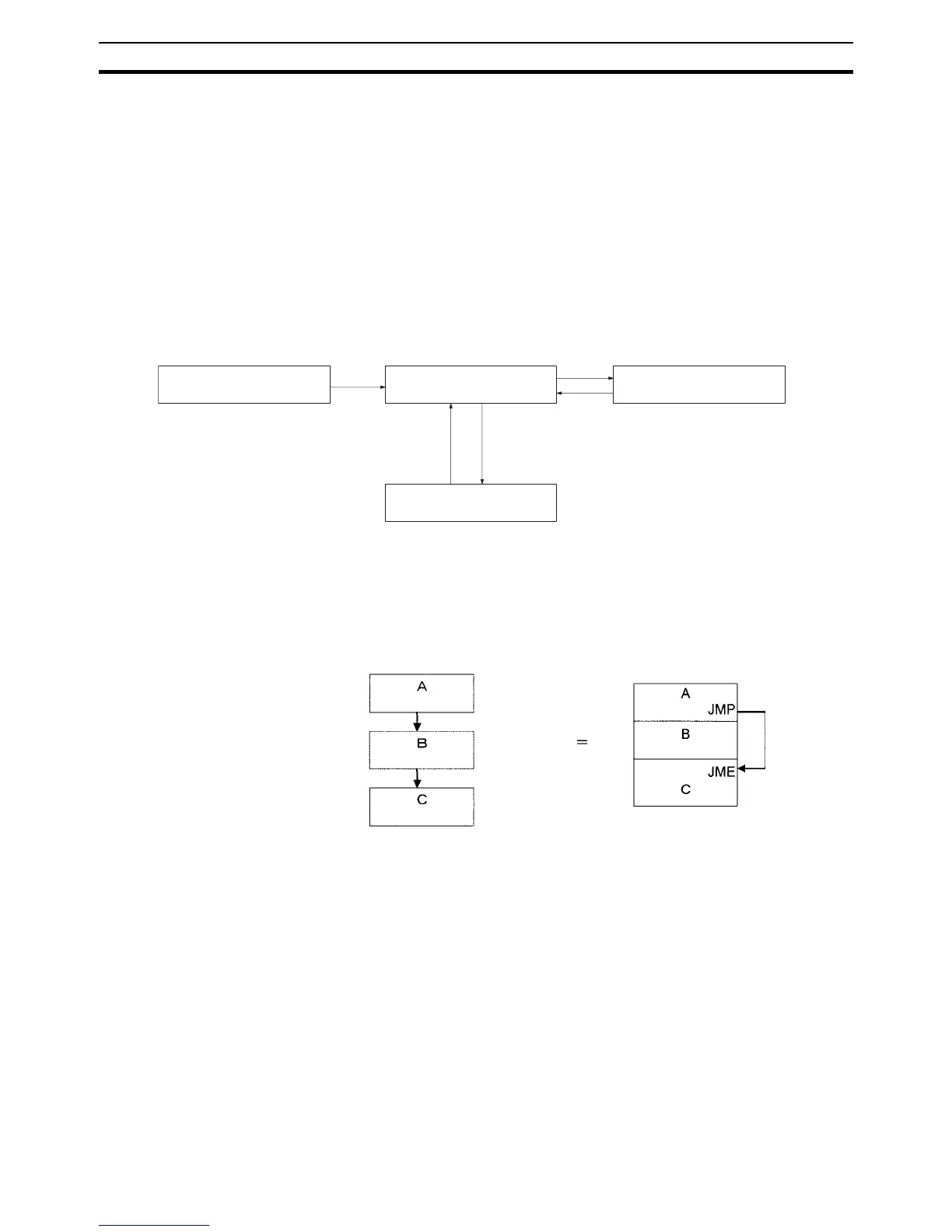
Standby status functions exactly the same way as a jump (JMP-JME). Output
status for the Standby task will be maintained.
Instructions will not be executed in Standby status, so instruction execution
time will not be increased. Programming that does not need to be executed all
INI (Disabled) status
READY status
RUN status
Executed
TKOF(821) instruction (See note 1.)TKON(820) instruction
Standby status
Right to execute obtained.
Activated at the start of
operation (See note 2) or the
TKON(820) instruction
Standby status Jump










 To Next Page