325
Startup Settings and Maintenance Section 6-6
Auxiliary Area Flags and Words
PLC Setup
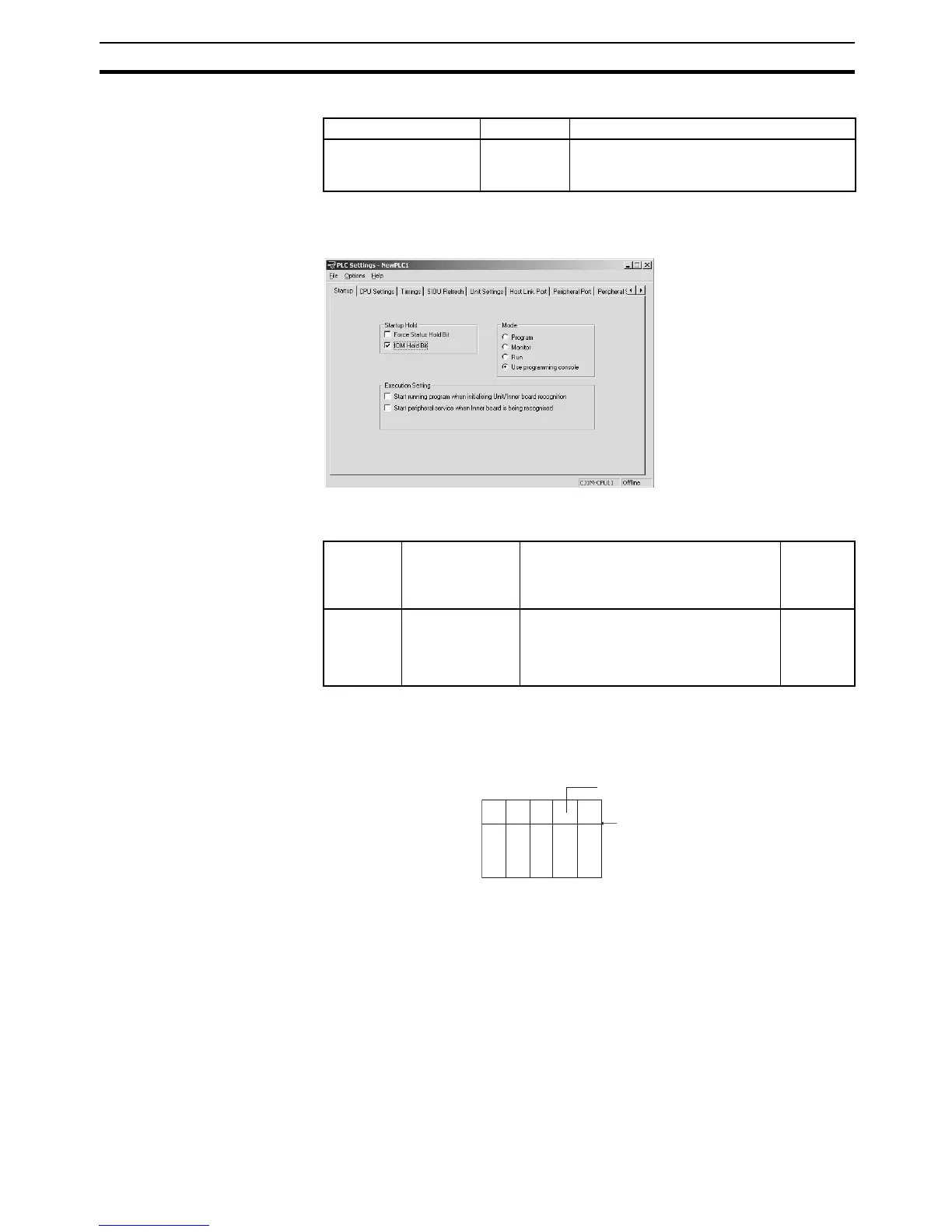
When using the CX-Programmer, make the settings on the Startup Tab Page.
The following table shows the corresponding settings when using a Program-
ming Console.
6-6-2 Startup Mode Setting
The CPU Unit’s initial operating mode (when the power is turned on) can be
set in the PLC Setup.
PLC Setup
When using the CX-Programmer, make the settings on the Startup Tab Page.
Name Address Description
IOM Hold Bit A50012 When this bit is ON, all of I/O memory will be
retained when the operating mode is
changed (PROGRAM ↔ RUN/MONITOR).
Program-
ming
Console
address
Name Setting Default
+80, bit 15 IOM Hold Bit
Status at Startup
0: The IOM Hold Bit is cleared to 0 when
power is turned on.
1: The IOM Hold Bit is retained when
power is turned on.
0
(Cleared)
Operating mode
Power ON










 To Next Page