188
Interrupt Tasks Section 4-3
Note Be sure that the power OFF interrupt task can be executed in less than 10 ms
minus the power OFF detection delay time set in the PLC Setup. Any remain-
ing instructions will not be executed after this time has elapsed. The power
OFF interrupt task will not be executed if power is interrupted during online
editing. In addition to the instructions that cannot be used in any interrupt task
(refer to the Instructions Reference Manual for details), the following instruc-
tions cannot be used in the power OFF interrupt task: READ DATA FILE:
FREAD(700), WRITE DATA FILE: FWRIT(701), WRITE TEXT
FILE(TWRIT(704)), NETWORK SEND: SEND(090), NETWORK RECEIVE:
RECV(098), DELIVER COMMAND: CMND(490), TRANSMIT: TXD(236),
RECEIVE: RXD(235), and PROTOCOL MACRO: PMCR(260), EXPLICIT
MESSAGE SEND: EXPLT(270), EXPLICIT GET ATTRIBUTE: EGATR(271),
EXPLICIT SET ATTRIBUTE: ESATR(272), EXPLICIT WORD READ:
ECHRD(273), EXPLICIT WORD WRITE: ECHWR(274), TRANSMIT VIA
SERIAL COMMUNICATIONS UNIT: TXDU(256), and RECEIVE VIA SERIAL
COMMUNICATIONS UNIT: RXDU(255).
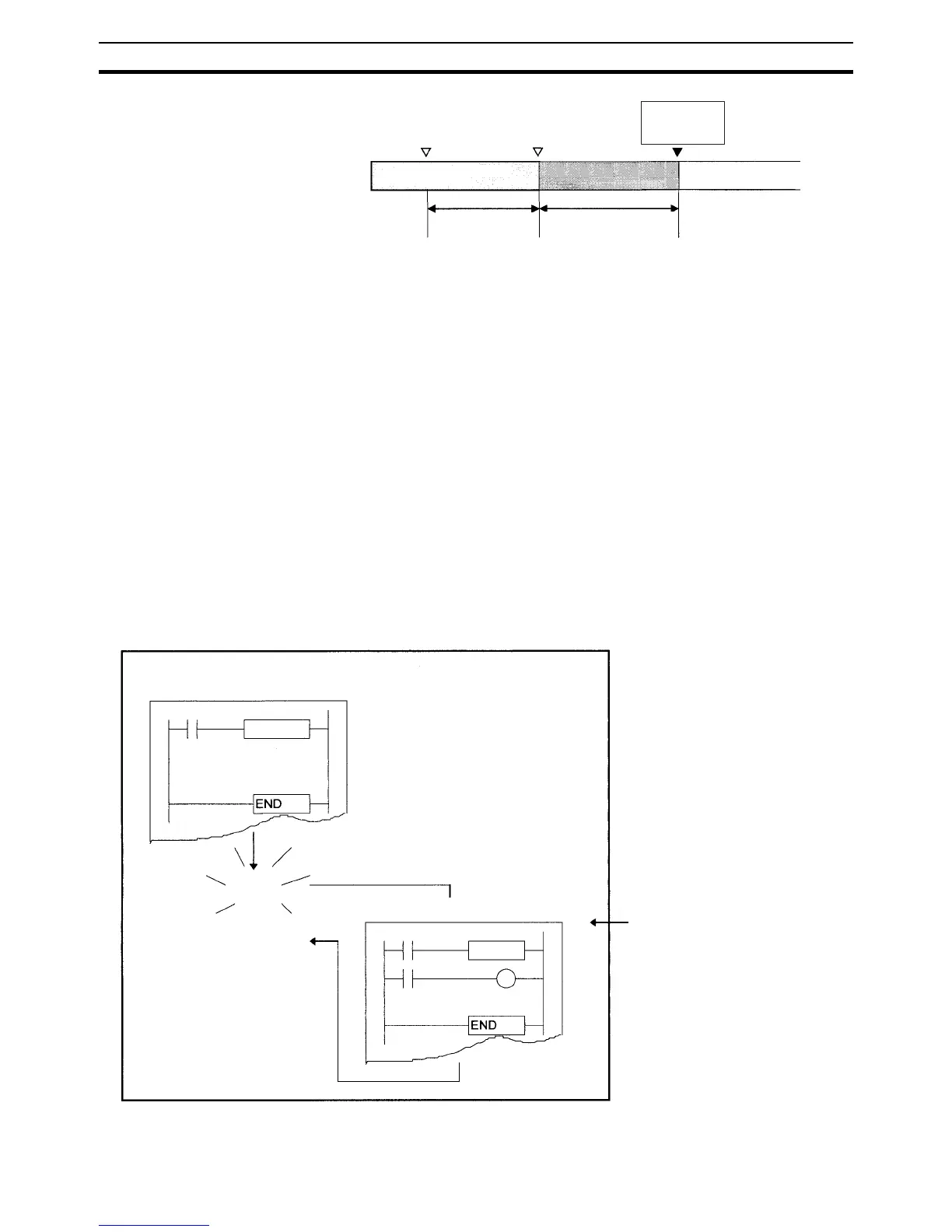
Power OFF Interrupt Task Execution
PLC Setup Settings for Power OFF Interrupt Task (Task Number: 1)
Power supply < 85% of the
minimum rated voltage (80%
for DC power supplies)
Power OFF
recognized
CPU reset
(force end)
Stop
Cyclic task
Default power OFF
detection time plus
power OFF detection
delay time
10 ms minus the power
OFF detection delay time
Power OFF interrupt task
Cyclic task
Power
OFF
Cyclic task
CPU reset
Power OFF interrupt task 1
Power OFF interrupt task ON/OFF
setting in PC Setup: ON










 To Next Page