205
File Memory Section 5-1
Restrictions on File Use
Files are formatted in DOS, and therefore can be used as regular files on a
Windows computer.
Files Files are identified by file names and extensions, as shown in the following
table. A file name is written using the following characters: Letters A to Z,
numbers 0 to 9, !, &, $, #, `, {, }, –, ^, (, ), and _
The following characters cannot be used in file names: ,, ., /, ¥, ?, *, “, :, :, <, >,
=, +, space, and 2-byte characters.
The filename extensions depend upon the type of file being stored.
Directories The CS/CJ-series CPU Units can access files located in subdirectories. Spec-
ify the directory location in file memory where the file is stored. Directories
can be specified up to 5 subdirectories deep (counting the root directory),
unless a Programming Console is being used. Only the root directory can be
accessed from a Programming Console. The maximum length of a directory
path is 65 characters. When creating a Memory Card subdirectory with an
operating system such as Windows, do not exceed the maximum subdirectory
depth (5 subdirectories).
File Categories
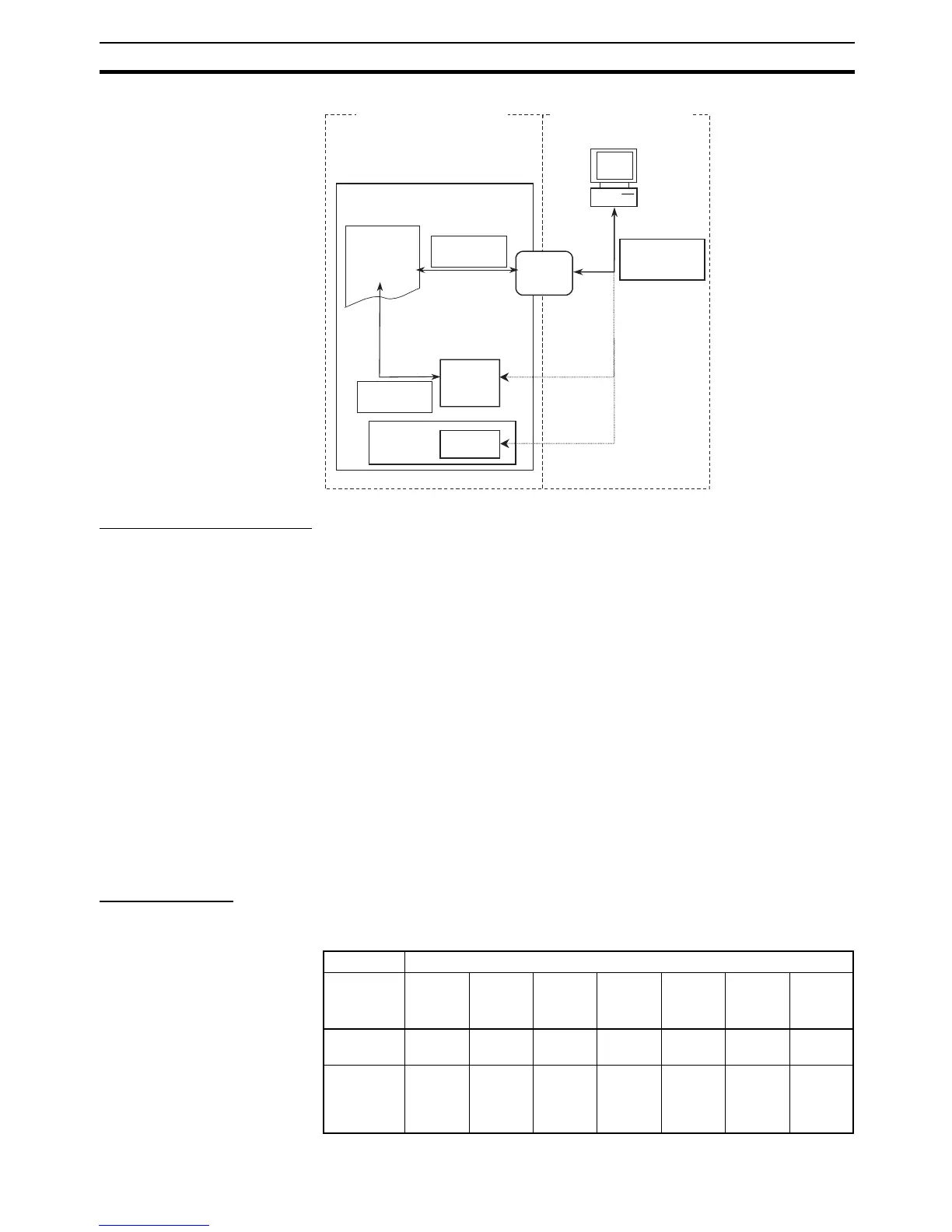
The following 4 categories of files are managed (read and written) by the CPU
Unit with file memory operations.
CX-Programmer
Files That Can Be Written
from the CX-Programmer
Files That Can Be Written
from the CPU Unit
CPU Unit
User program
I/O memory
Etc.
Program files
Data files
Programming
Device, FINS
commands, ladder
instructions, or
control bits
Programming Device, FINS
commands, ladder instructions,
or control bits
Program files
Data files
EM file
memory
Internal
flash
memory
Memory
Card
Data transfer
operations from the
CX-Programmer
Symbol files
Comment files
Program index files
When a
Memory Card is
not inserted
Comment
memory
File type Corresponding file type
Program
file
Data
file
Parame-
ter file
Symbol
table file
Comment
file
Program
index file
Unit/
Board
backup
file
General
files
Ye s Ye s Ye s N o N o N o N o
Automatic
Transfer at
Startup
Files
Ye s Ye s Ye s N o N o N o N o










 To Next Page