246
Manipulating Files Section 5-2
Symbol Tables, Comment Files, Program Index Files (CS1-H/CJ1-H, CJ1M, CS1D CPU Units with Unit
Version 3.0 or Later Only)
Note The backup, restore, and comparison operations in the above table are per-
formed only for files contained in comment memory.
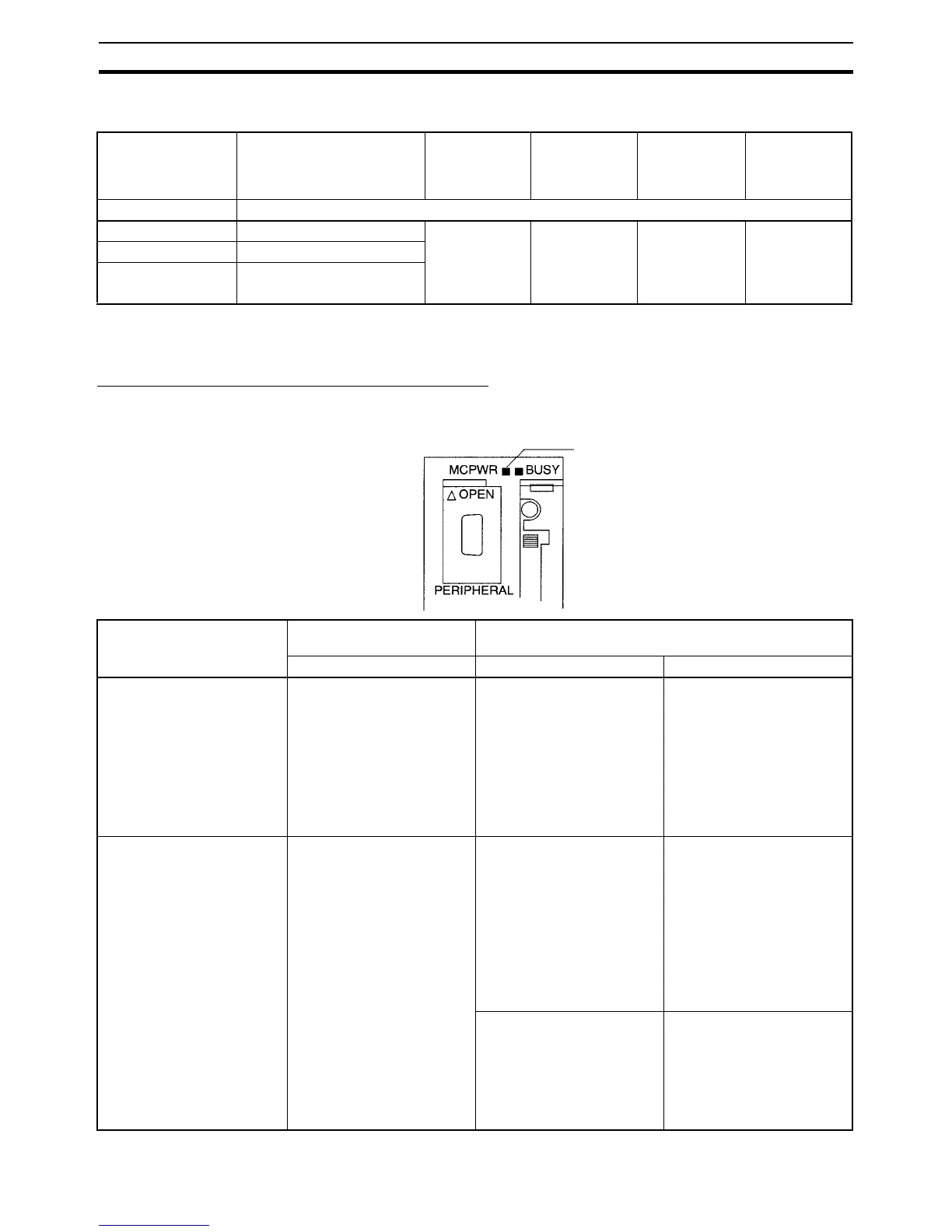
Verifying Backup Operations with Indicators
The status of the Memory Card Power (MCPWR) indicator shows whether a
simple backup operation has been completed normally or not.
File name and
extension
Contents Backup from
CPU Unit to
Memory Card
(creating files)
Restore from
Memory Card
to CPU Unit
Comparing
Memory Card
to CPU Unit
Files required
when
restoring data
CPU Unit CS1-H, CJ1-H, CJ1M, or CS1D CPU Unit with unit version 3.0 only
BKUPSYM.SYM Symbol table files Yes (writes if
CPU Unit com-
ment memory
contains files)
Yes (reads to
CPU Unit com-
ment memory if
Memory Card
contains files)
Yes (compares
with files con-
tained in CPU
Unit’s comment
memory)
These files are
not absolutely
required in the
Memory Card.
BKUPCMT.CMT Comment files
BKUPPRG.IDX Program index files
MCPWR Indicator
(This example shows a
CS-series CPU Unit.)
Backup operation Normal completion
(See note 1.)
Error occurred
MCPWR status MCPWR status Error
Backing up data from the
CPU Unit to the Memory
Card
Lit → Remains lit while the
Memory Card Power Switch
is pressed. → Flashes once.
→ Lit while writing. → OFF
after data is written.
Lit → Remains lit while the
Memory Card Power Switch
is pressed. → Remains
flashing.
No files will be created with
the following errors:
Insufficient Memory Card
capacity (See note 2.)
Memory error in CPU Unit
I/O bus error (when writing
data to a Unit or Board, CS1-
H, CS1D, or CJ1-H CPU
Units only)
Restoring data from the
Memory Card to the CPU
Unit
Lit when power is turned ON.
→ Flashes once. → Lit while
reading. → OFF after data is
read.
Lit when power is turned ON.
→ Flashes five times. →
Goes OFF.
Data won’t be read with the
following errors:
Program in Memory Card
exceeds CPU Unit capacity
Required backup files do not
exist in Memory Card.
Program can’t be written
because it is write-protected
(Pin 1 of the DIP switch is
ON.)
Lit when power is turned ON.
→ Flashes once. → Lit while
reading. → Flashes three
times. → OFF after data is
read.
Caution: Data will be read
with the following error.
EM files and CPU Unit EM
banks do not match (non-
consecutive bank numbers
or max. bank number mis-
match).











 To Next Page