350
Peripheral Servicing Priority Mode Section 6-9
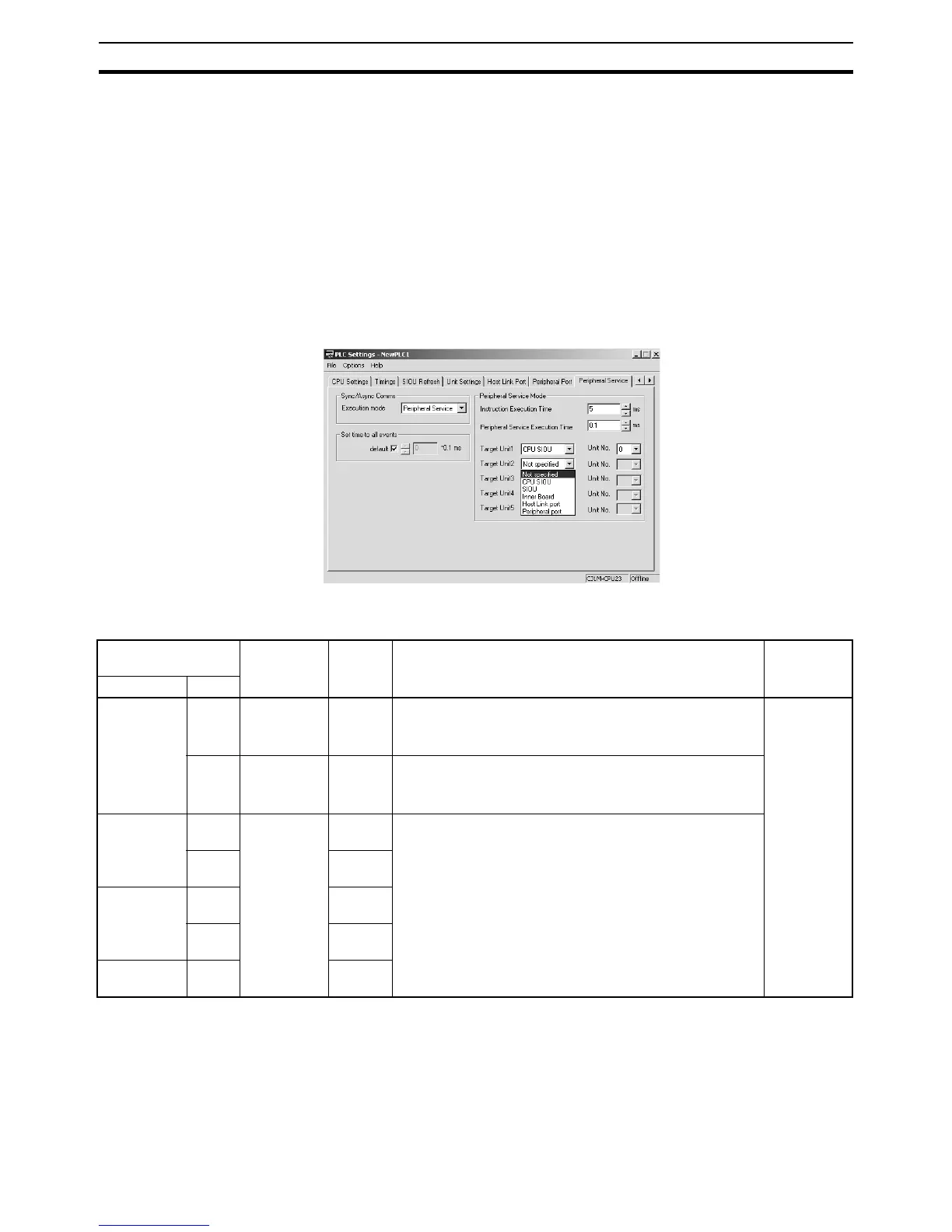
PLC Setup Settings The following settings must be made in the PLC Setup to use the Peripheral
Servicing Priority Mode.
• Slice Time for Program Execution: 5 to 255 ms in 1-ms increments
• Slice Time for Peripheral Servicing: 0.1 to 25.5 ms in 0.1-ms increments
• Units and/or Ports for Priority Servicing: CPU Bus Unit (by unit No.)
CS/CJ Special I/O Unit (by unit
No.)
Inner Board (CS Series only)
RS-232C port
Peripheral port
When using the CX-Programmer, make the settings on the Peripheral Service
Tab Page.
The following table shows the corresponding settings when using a Program-
ming Console.
• Operation and errors will be as shown below depending on the settings in
the PLC Setup.
Programming Con-
sole address
Settings Default Function New set-
ting’s effec-
tiveness
Word Bit(s)
+219 08 to
15
00
05 to FF
(Hex)
00 00: Disable priority mode servicing
05 to FF: Time slice for instruction execution
(5 to 255 ms in 1-ms increments)
Takes effect
at the start
of operation
(Can’t be
changed
during oper-
ation.)
00 to
07
00 to FF
(Hex)
00 00: Disable priority mode servicing
01 to FF: Time slice for peripheral servicing
(0.1 to 25.5 ms in 0.1-ms increments)
+220 08 to
15
00
10 to 1F
20 to 2F
E1
FC
FD (Hex)
00 00: Disable priority mode servicing
10 to 1F: CPU Bus Unit unit number (0 to 15) + 10 (Hex)
20 to 7F: Special I/O Unit unit number (0 to 95) + 20 (Hex)
E1: Inner Board
FC: RS-232C port
FD: Peripheral port
00 to
07
00
+221 08 to
15
00
00 to
07
00
+222 08 to
15
00










 To Next Page