CHAPTER 5 PARAMETERS
E5CK
5–30
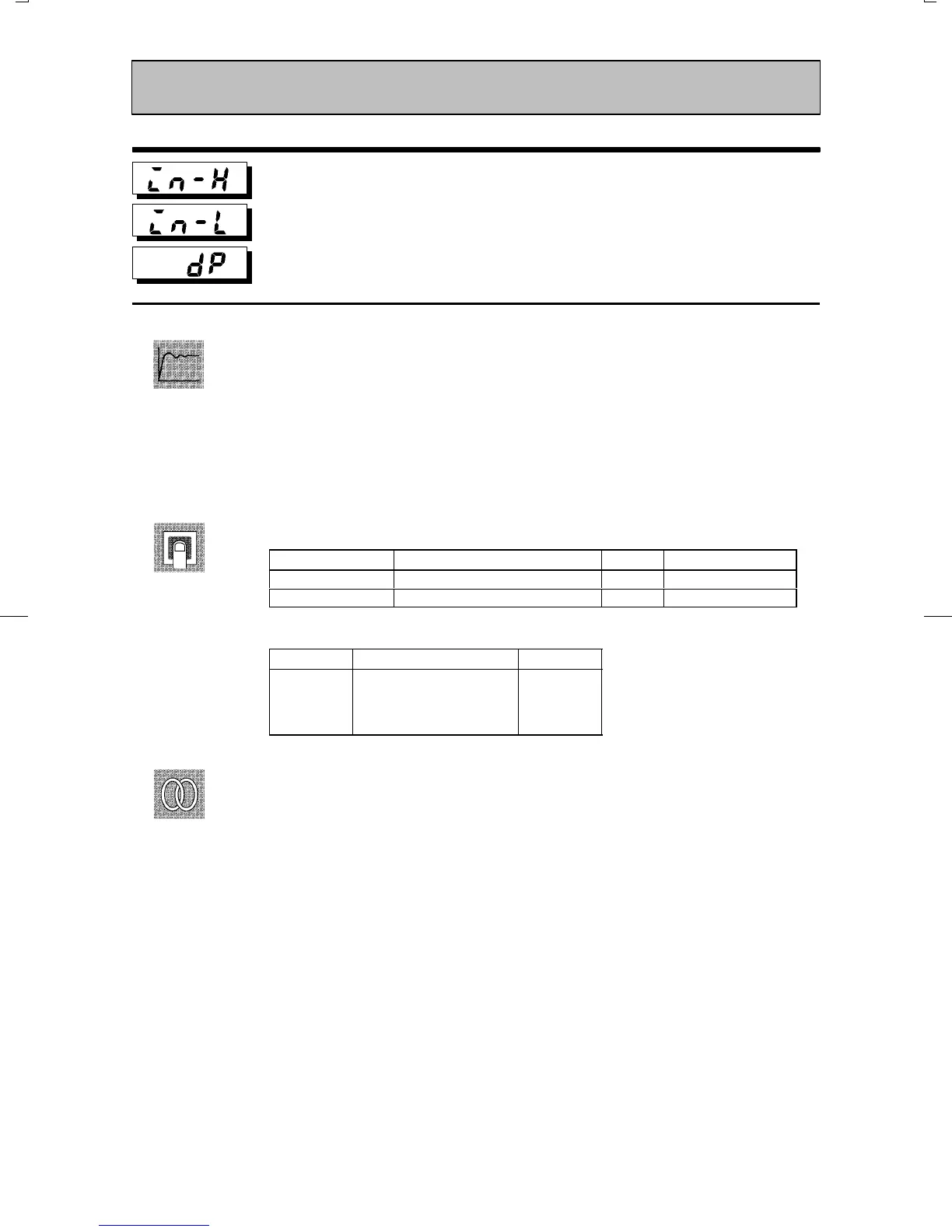
Scaling upper limit
Scaling lower limit
Decimal point
Conditions of Use
The input type must be set to analog input
(voltage or current input).
Ă• This parameter can be used when voltage input or current input is selected as the
input type.
Ă• When voltage input or current input is selected as the input type, scaling is carried
out. Set the scaling upper limit in the scaling upper limit" parameter and the scaling
lower limit in the scaling lower limit" parameter.
Ă• The decimal point" parameter specifies the decimal point position of parameters
(alarm value, etc.) whose unit is set to EU (Engineering Unit).
Ă• Scaling upper limit, Scaling lower limit
Parameter Setting Range
Unit Default
Scaling upper limit Scaling lower limit +1 to 9999 None 100
Scaling lower limit -1999 to scaling upper limit -1 None 0
Ă• Decimal point : Default is 0".
Set Value
Setting Example
0
1
2
3
0 digits past decimal point
1 digit past decimal point
2 digits past decimal point
3 digits past decimal point
1234
123.4
12.34
1.234
ĂRelated description
3.2 Setting Input Specifications (page 3Ć4)
ĂRelated parameter
Input type" (setup mode)
Setup Mode
Function
Setting
See



 To Next Page