Omron TM Collaborative Robot: Conveyor Tracking User’s Manual 25
NOTE:
Under ETH Mode, the tool end will rotate along with the object. However, in Sensor
Mode, the tool end will not rotate along with the object.
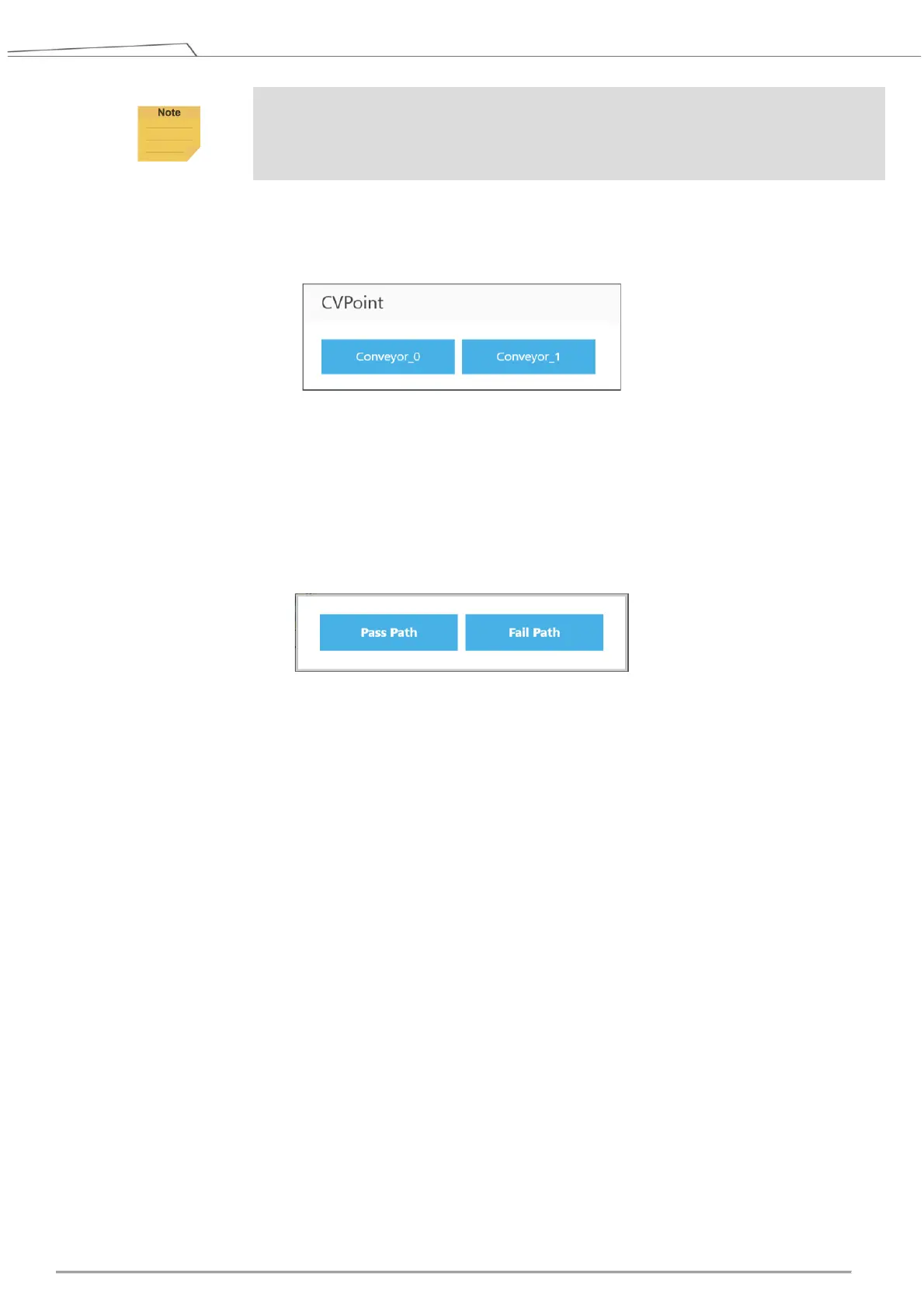
When dragging the CVPoint node, users are required to select Conveyor_0 or Conveyor_1, and
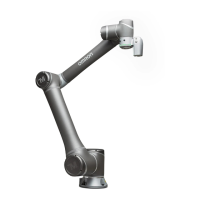
then set Pass Path or Fail Path.
Pass Path: If the time for a valid object to reach New Object Range is less than Time Out, it is a
Pass Path.
Fail Path: If the time for a valid object to reach New Object Range is greater than Time Out, it is
a Fail Path. Users may drag the Fail Path to connect other nodes, such as Display, for error
handling purposes.
Conveyor NO: Selected conveyor
Follow Time: Set the stopping time after the CVPoint tracks to position.
Get Point: Set the CVPoint above the object.
Teach: Set the steps for objects that pass the sensor on the conveyor.
Analog Input: Set stop criteria via analog I/O setting for control box, end module or other
peripherals.
Digital Input: Set stop criteria via digital I/O setting for control box, end module or other
peripherals.
Motion Settings: Set the motion speed of the CVPoint in-position process.
Digital Output: Set the output status of the control box or tool end.
Output Variables: The CVPoint outputs the current motion state via the custom variables. The
output variables can go with Plug&Play software package to control the end tools.
Blending: Enable the robot to move to different points in a smooth way.
Advanced Settings: Switch the end tool. The CVPoint changes the in-position pose by the end
tool setting.









 To Next Page