Omron TM Collaborative Robot: Conveyor Tracking User’s Manual 46
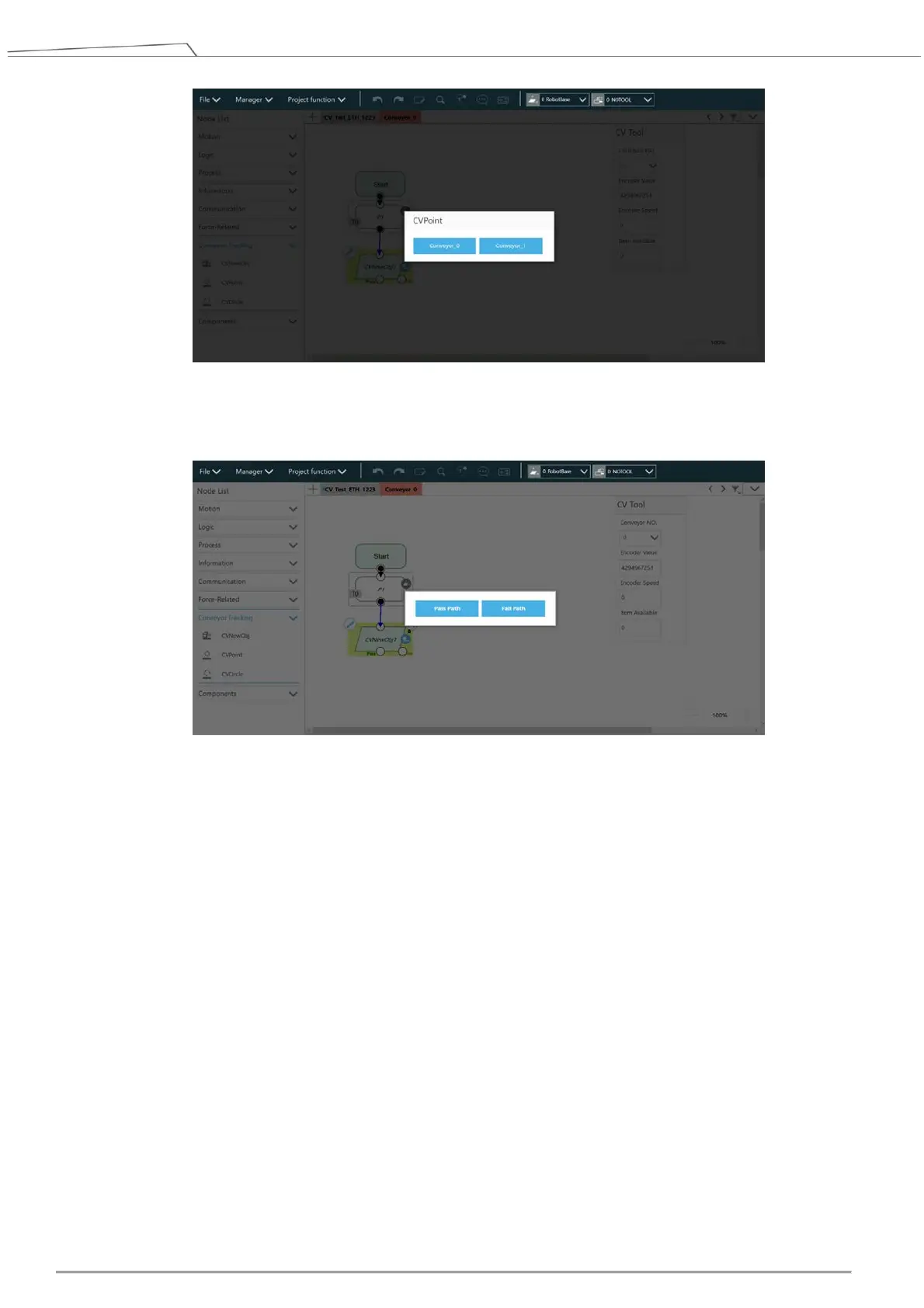
Figure 46: Set conveyor for CVPoint
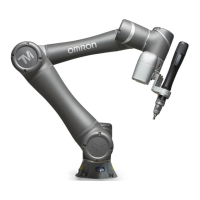
Select Pass Path. Refer to 4.3.2 for details.
Figure 47: Set path
17. Enter CVPoint Node
A. Click the pencil icon of the CVPoint Node. Use the conveyor to move the object to the robot’s
working area.
B. Hand-guide the robot at the top of the object.
C. Click Get Point, click Get, and click OK to complete CVPoint setting in ETH Mode.









 To Next Page