Omron TM Collaborative Robot: Conveyor Tracking User’s Manual 31
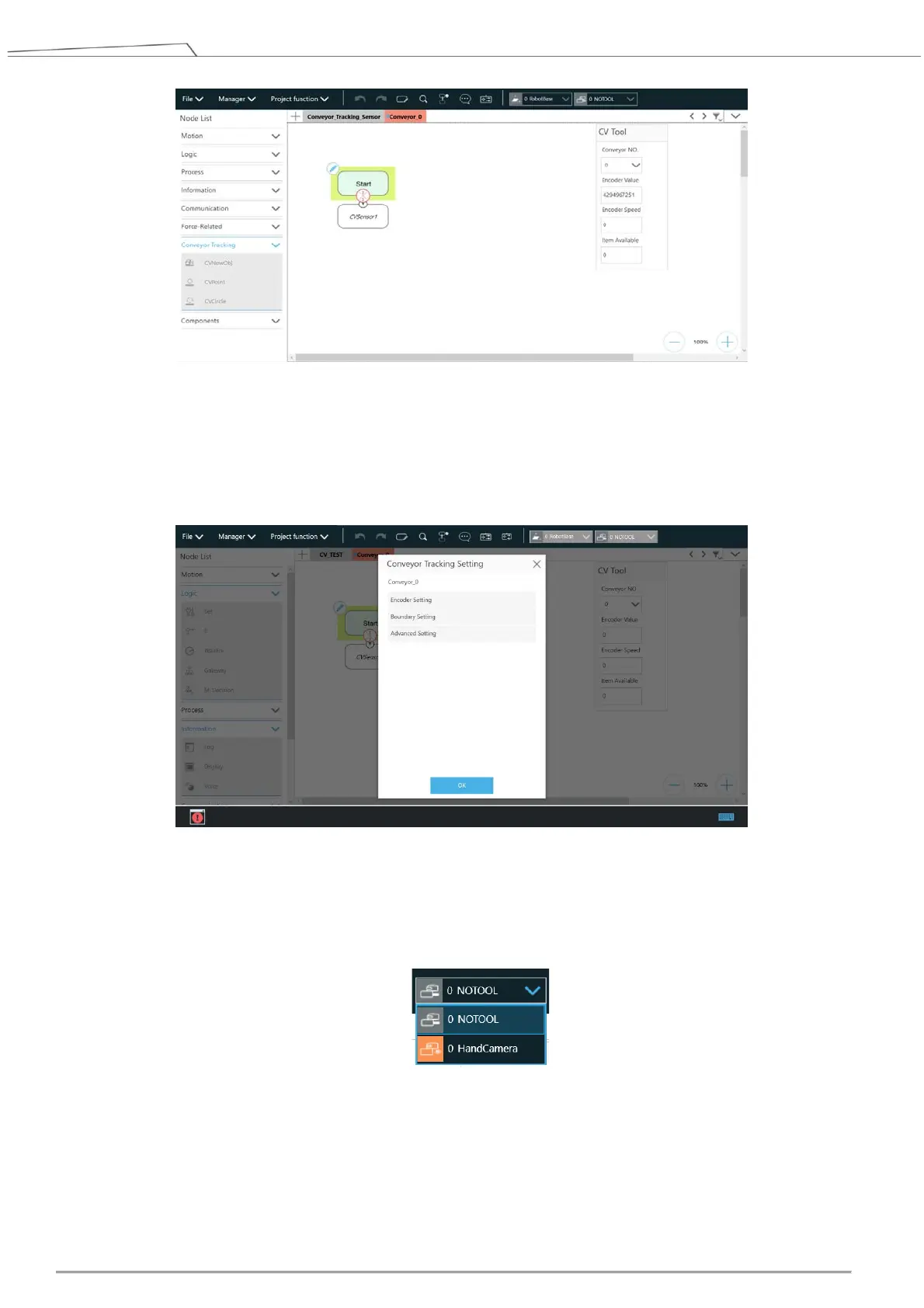
Figure 18: Start the project
3. Enter Conveyor Tracking Setting
A. Click the pencil icon the start node in the sub-thread to proceed with Conveyor Tracking Setting.
B. For details, refer to 4.1.
Figure 19: Conveyor Tracking Setting
4. Select Tool for your conveyor tracking project.
Default options are “NOTOOL” and “HandCamera”.
To ensure consistent precision, it is strongly recommended to use TM Calibration Set while teaching
the two CV points.
5. Click the pencil icon of the CVSensor node.









 To Next Page