OpenText Tableau Forensic TX1 Imager
The Information Company 109
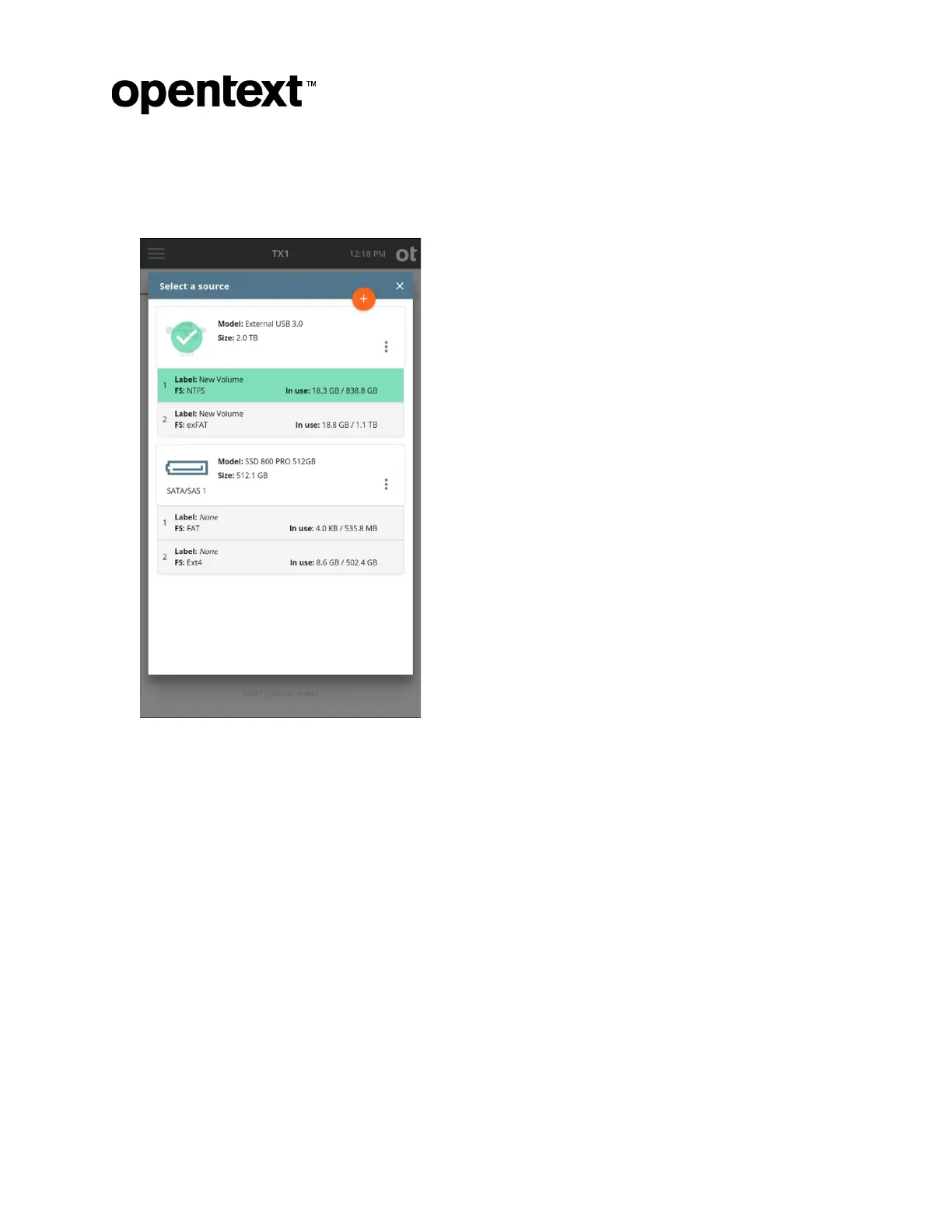
Note: Within any screen displaying a list of drives, you can tap the options icon (three
vertical dots) located on the right side of the drive tile to see more drive detail and
access any available media utilities.
Note: Unlike a physical duplication job, the option of shelving a source drive
DCO/AMA (removing it and then re-applying it at the end of the job) does not exist in
logical imaging. The existence of a DCO or AMA will be obvious (per warnings in
multiple locations), but the DCO/AMA will need to be permanently removed using the
manual HPA/DCO/AMA Disable media utility before gaining access to all portions of
the source media.
Copyright © 2022 Open Text. All rights reserved. Trademarks owned by Open Text.



 To Next Page