68 The Information Company
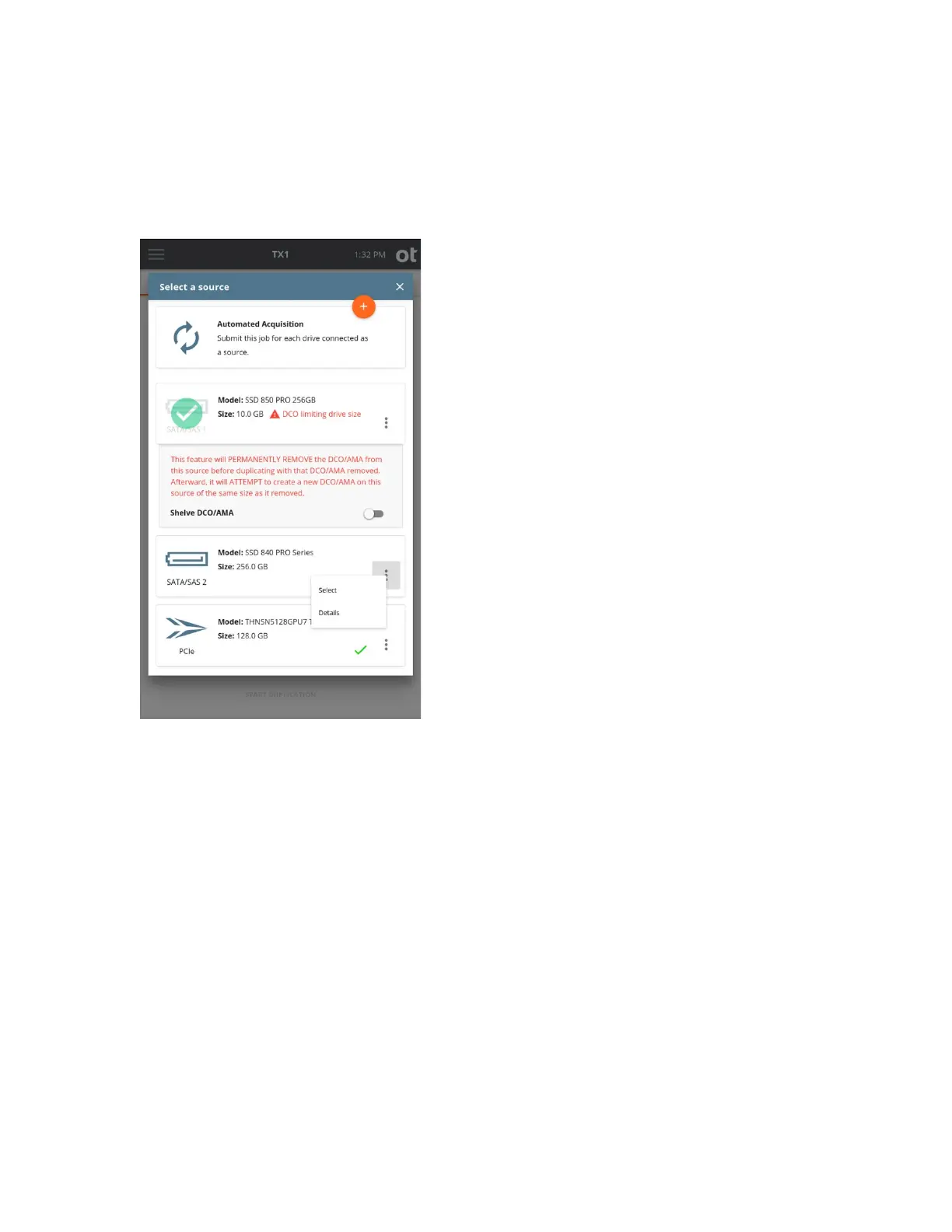
• Within a screen displaying a list of drives, you can tap the options icon located in the
right side of the drive tile to see more drive detail and access any available media
utilities.
TX1 also allows “shelving” of a DCO or AMA for source drives. When enabled for a given
source drive, the Shelve DCO/AMA feature will, after the duplication job is started,
disable the DCO/AMA, complete the acquisition of the entire source drive, and then
attempt to reapply the original DCO/AMA setting back to the source drive. This provides a
convenient way to ensure that all source evidence is acquired and that the drive is
returned to its original state at the end of the duplication job. See the source selection
screenshot above for an example of a selected source drive with a DCO. Note that this
Shelve DCO/AMA feature is only available for SATA drives that support DCO/AMA. See
“Disabling drive capacity limiting configurations” on page 51 for more details regarding
DCO/AMAs and how TX1 supports them.
Note: You cannot browse a source drive if the Shelve DCO/AMA feature is being used
on an active job with that drive.
Copyright © 2022 Open Text. All rights reserved. Trademarks owned by Open Text.



 To Next Page