CHAPTER ELEVEN
Saving the test
104
Saving the test
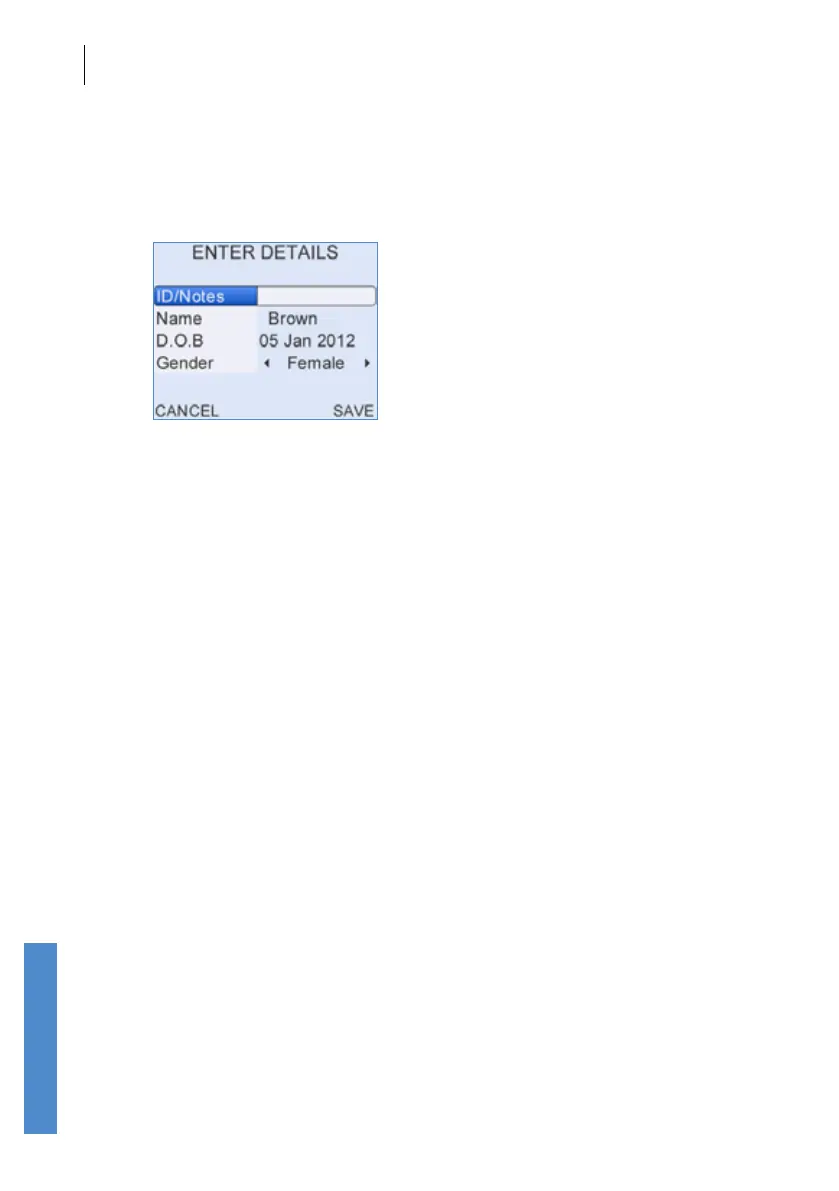
The details stored can be edited by using the up/down buttons to locate
the correct eld and then entering the new data using the keypad. All elds
except Location, Facility and NICU can be edited. When an edit has
been made the screen will change:
If you are happy with the changes you have made select Save. To discard
the changes select Cancel. Once changes are saved or cancelled the
initial menu options return (Back, Print or Test).



 To Next Page