CHAPTER EIGHT
DPOAE test
74
DPOAE test
8.3 Test stop reasons
There are three possible ways in which a test can stop: AutoStop, Test
Timeout and Manual End. When the test stops the data collected is
assessed and a result is given as a graphic image and then written
highlighted at the top of the test screen. The Otoport will beep once if a
test has stopped with a DPOAE Pass result and will beep twice if the test
has stopped with any other result. AutoStop and Stopping (Pass) criteria
are congured in the test settings area (section
13.2).
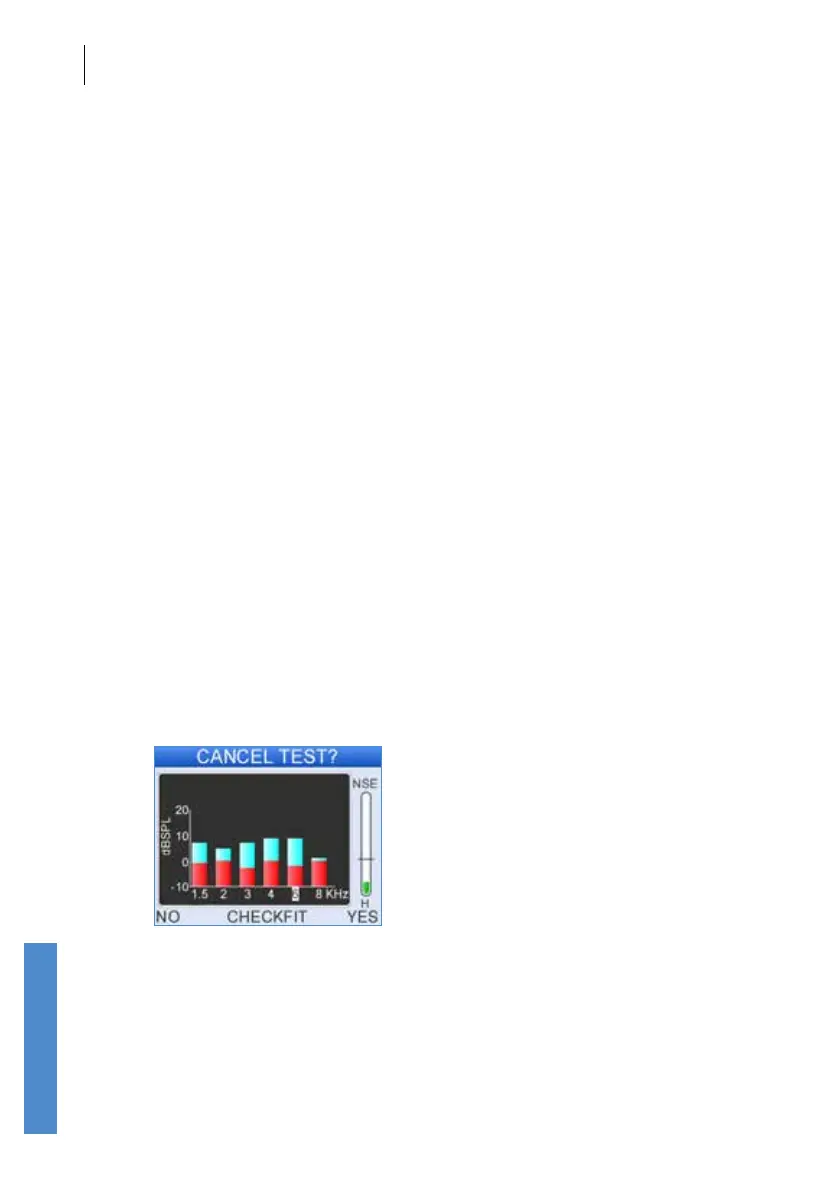
You can pause the test by selecting Cancel, then select No to resume
recording, Checkt to return to the Checkt stage and Yes to end the test.
8.3.1 Test timeout
If a test has not met the set pass criteria and the noise is consistently
above the Noise Reject Threshold Level so that the Maximum NLo
Sweeps cannot be achieved then the test will stop after 60 seconds,
regardless of the amount of good data collected. This is to control stimulus
exposure to the ear and to limit the test time to allow for reassessment of
the ambient noise and of probe t before a retest.
8.3.2 Manual end
Selecting End at any time will stop the test.
8.3.3 Pausing and cancelling the test
You may wish to pause a test for instance during periods of noise. When
the test is paused, it is possible to cancel the test and discard the data.
Select Cancel to pause the test. Select Yes to end the test and discard the
data, No to resume the test and Checkt to restart the test at the Checkt
stage.



 To Next Page