Otoport OAE+ABR
User Manual for Otoport DP+TE model
117
Conguration
15.2 Test settings
15.2.1 Mode select
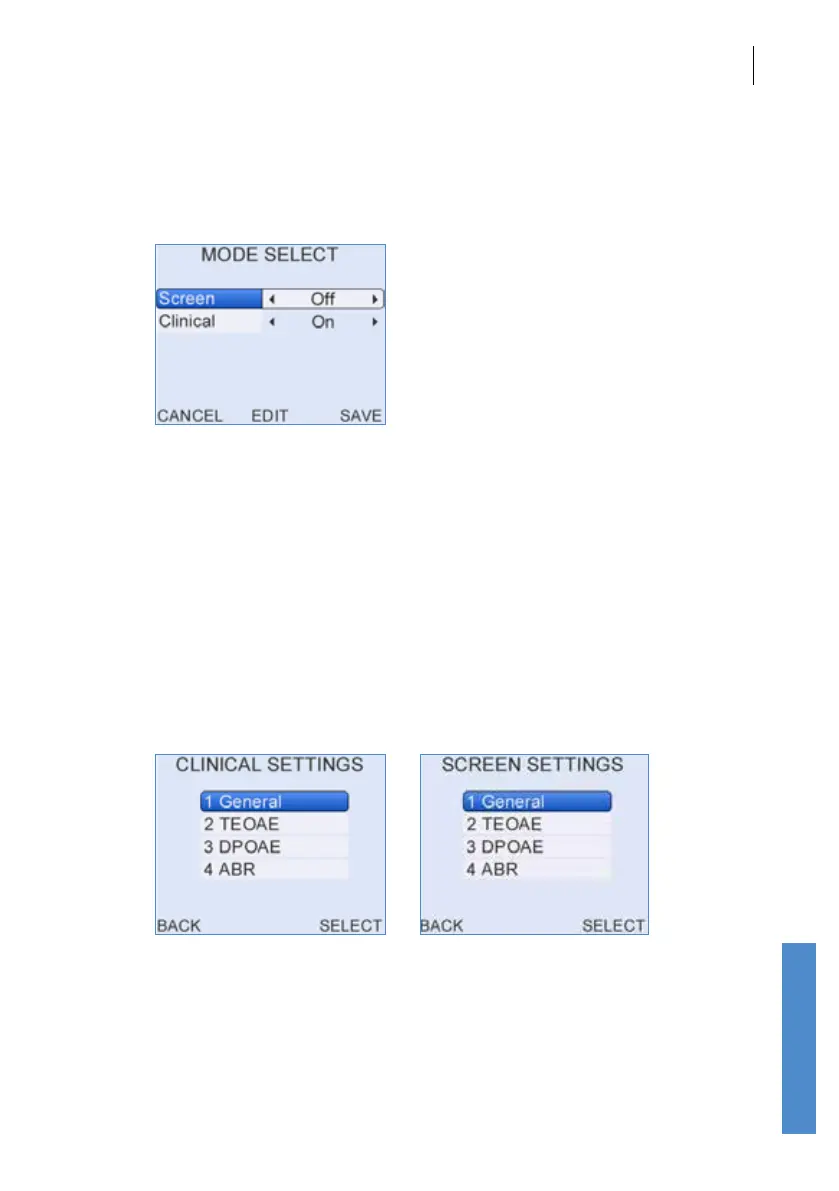
The test settings are divided into Screen and Clinical modes. The default
settings for each are listed at the end of this section (
15.2.7 Test Mode
Defaults).
Either Clinical or Screen modes may be turned o. If they are turned o
then these modes will not be available for test. To turn a mode o use the
up or down arrow keys to select Screen or Clinical then the left or right
keys to display O.
Select Edit to change the settings for either mode.
Select Save to keep your changes or Cancel to discard them.
15.2.2 Clinical and Screen settings
The test settings area for each mode is divided into General settings,
which aect all tests, and settings that aect only OAE or ABR tests. Stop
criteria are dependent on both the general and mode specic settings.
Clinical and Screen modes have identical set up options but the defaults
for each are optimised for dierent uses.



 To Next Page