Otoport OAE+ABR
User Manual for Otoport DP+TE model
109
Worklist
13.3 Deleting Patients
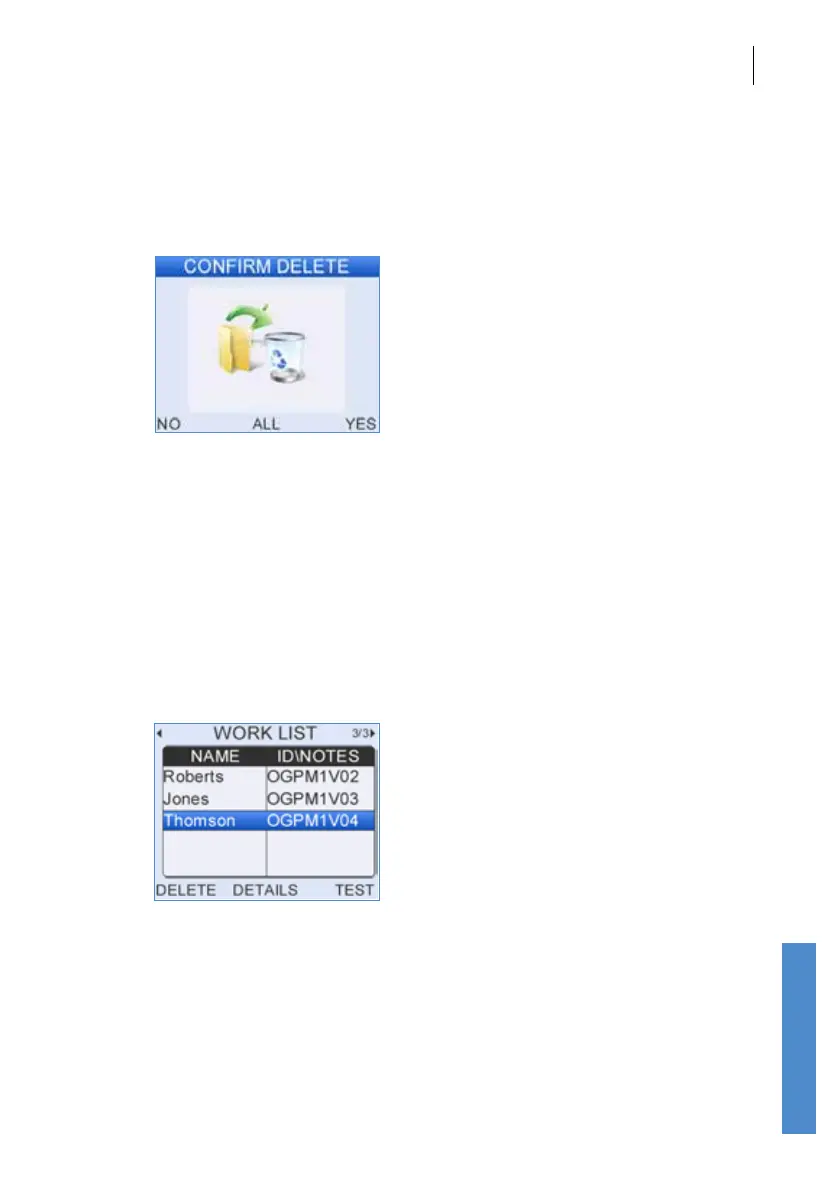
Scroll to the required patient. Select Delete to remove the patient from the
Work List.
Select Yes to conrm the deletion of the selected patient from the Work
List. Select All to delete all of the patients from the Work List. Select No to
return to the Work List without deleting any patient details.
13.4 Testing from the Work List
Scroll to the required patient and select Test.
Use the left and right arrow to scroll through the stimulus options. Select
Test on the required screen to begin testing this patient.
See previous chapters for information on performing the dierent tests.
When a test has been saved to a patient the patient details are removed
from the Work List.



 To Next Page