Otoport OAE+ABR
User Manual for Otoport DP+TE model
99
Saving the test
11 Saving the test
11.1 Quick Save option
The options available from the test result screen depend on the Quick
Save option (see chapter 15 Conguration)
11.1.1 Quick Save O
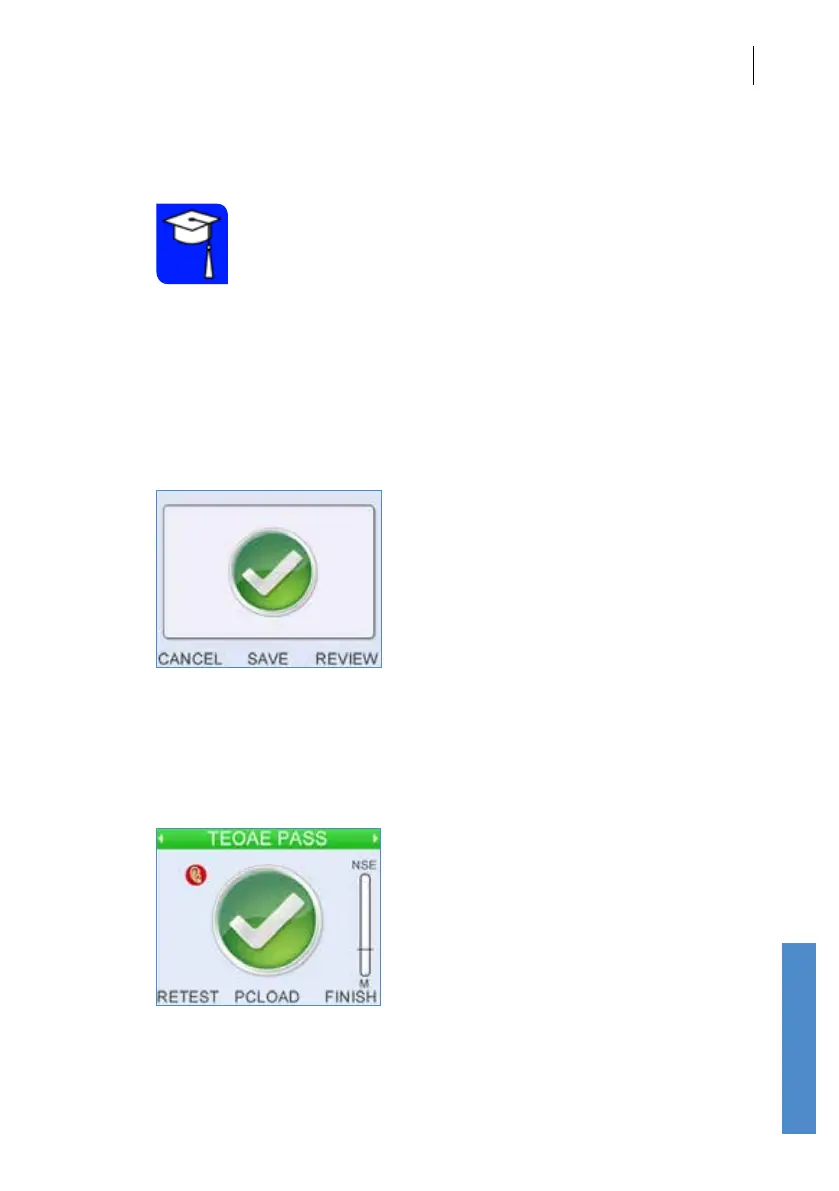
If Quick Save is O, select Save to Save the test result.
Select Cancel to discard the test result. A prompt requiring conrmation
will be shown before the result is discarded.
Select Review to view the data of the completed test, prior to saving.
Select Retest to save the result and run another test on the same patient.
This will navigate back to the ear selection screen to select the test ear for
the next test.
TRAINING
REQUIRED



 To Next Page