Otoport OAE+ABR
User Manual for Otoport DP+TE model
65
OAE test procedure
7.4 Checkt
It is important to perform a test in the appropriate conditions. The Checkt
screen allows a user to assess the testing environment. Conditions such
as high ambient noise, poor t of the probe in the ear (including leaks) and
blocked probes can be detected before starting the test.
Excessive noise or a poor probe t may mean that the test cannot be
performed or that the quality of data collected may be too low for an
accurate test result to be determined.
All OAE tests begin with checkt. ABR tests run an impedance check (see
10.1) before checkt.
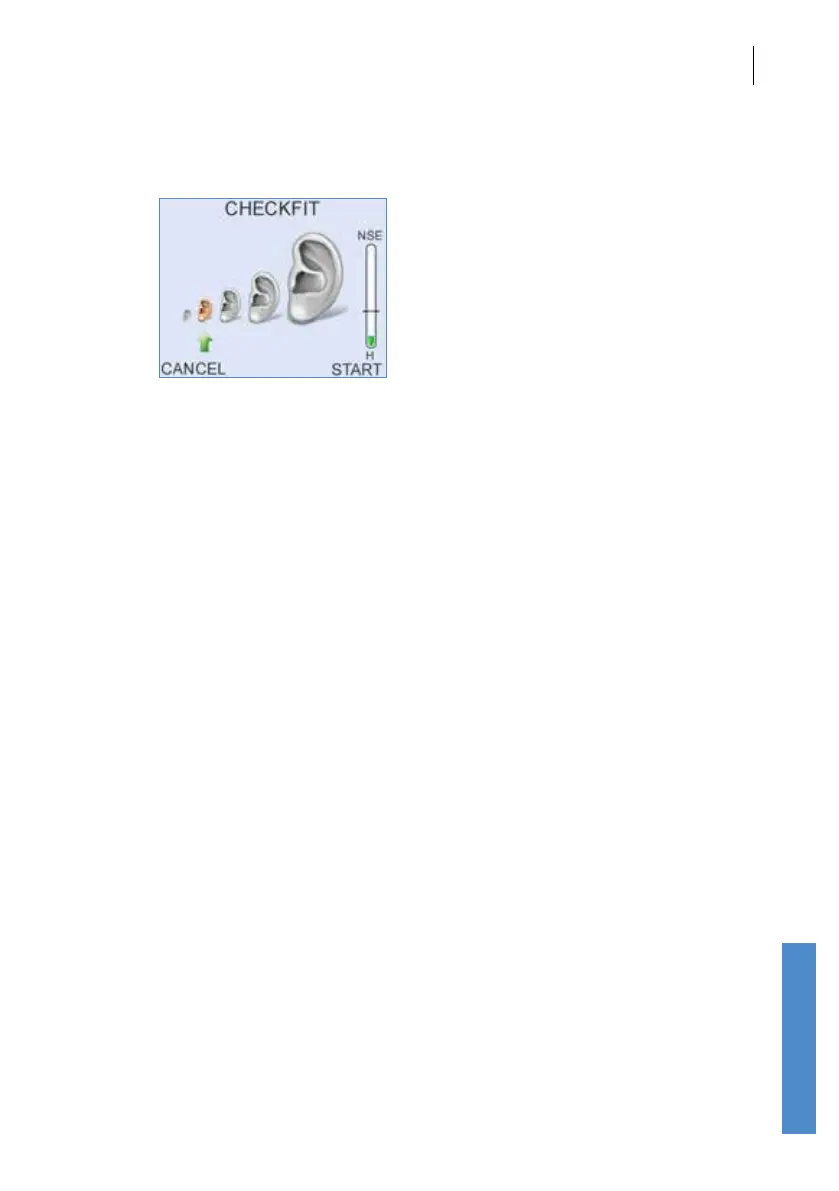
7.4.1 Fit size indicator
The Checkt screen shows a Fit Size Indicator; this shows a series of ears
of increasing size, indicating increasing ear canal volumes. The size of ear
canal detected in Checkt is indicated by an arrow.
During Checkt the Otoport repeatedly plays a click at a xed level and
records the sound level this click produces in the ear.
The sound level recorded depends on the t of the probe and the size of
the ear canal in which the probe is inserted.
Ear canal size increases from birth to adulthood. So, given a good probe t
the sound level recorded correlates with the age of the patient.
For example, if the arrow is below the smallest ear, this indicates that the
sound level recorded is that which would be expected from a small ear
canal. You would expect this if you were testing a baby.
Individual ear canals vary considerably in size, so the indication of canal
size can only be used as an approximate guide to probe t.



 To Next Page