CHAPTER NINE
TEOAE test
76
TEOAE test
9 TEOAE test
9.1 TE stimulus adjustment
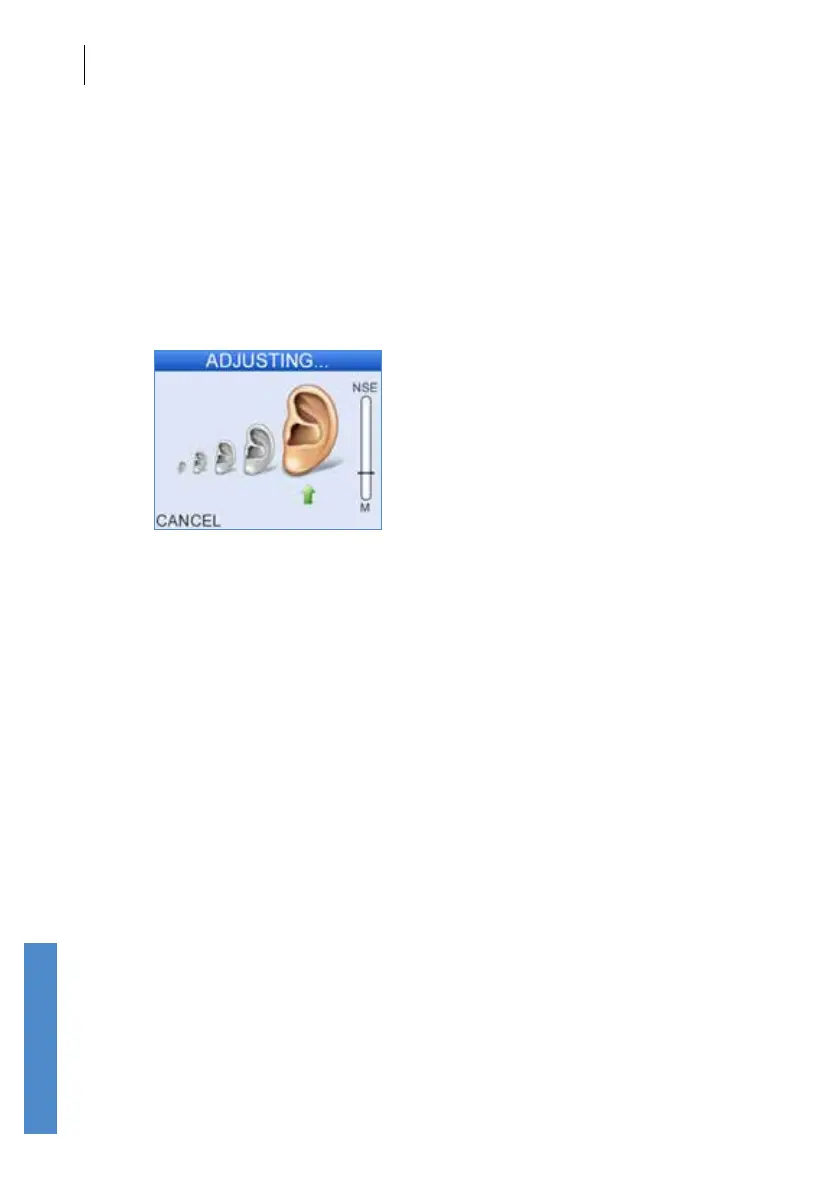
Following Checkt, or when START is selected, the Otoport will attempt to
adjust the stimulus level to the required level. The message Adjusting…
is displayed while this is happening. When the correct level has been
reached, the Otoport automatically begins the test.
The Otoport may not be able to adjust the stimulus to the correct level
in noisy environments, if the probe t is poor or if the patient’s ear canal
is unusually large. If the correct stimulus level is not reached after 10
seconds then the message Stim out of range will be displayed. The user
then has the option to Continue or Cancel the test.
In these circumstances Otodynamics recommends that the test is
cancelled. Eorts should then be made to improve the probe t, check
the probe coupler tubes are clear and improve the test environment. If
adjustment continues to fail regardless of the position of the probe in the
ear, it is likely that the probe has become blocked. In this case, inspect
the probe coupler tubes and replace if necessary, then run probe checks
(see chapter 17) to test the probe and Otoport performance. If stimulus
adjustment is still unsuccessful, continuing the test may provide useful
results but it is likely that the stimulus level will be incorrect. This will aect
the level of OAE recorded.
With Neonate mode On, the user is warned if the response from the probe
indicates a large ear canal (see chapter 15.2.1).



 To Next Page