CHAPTER TWELVE
Link-Test
106
Link-Test
12 Link-Test
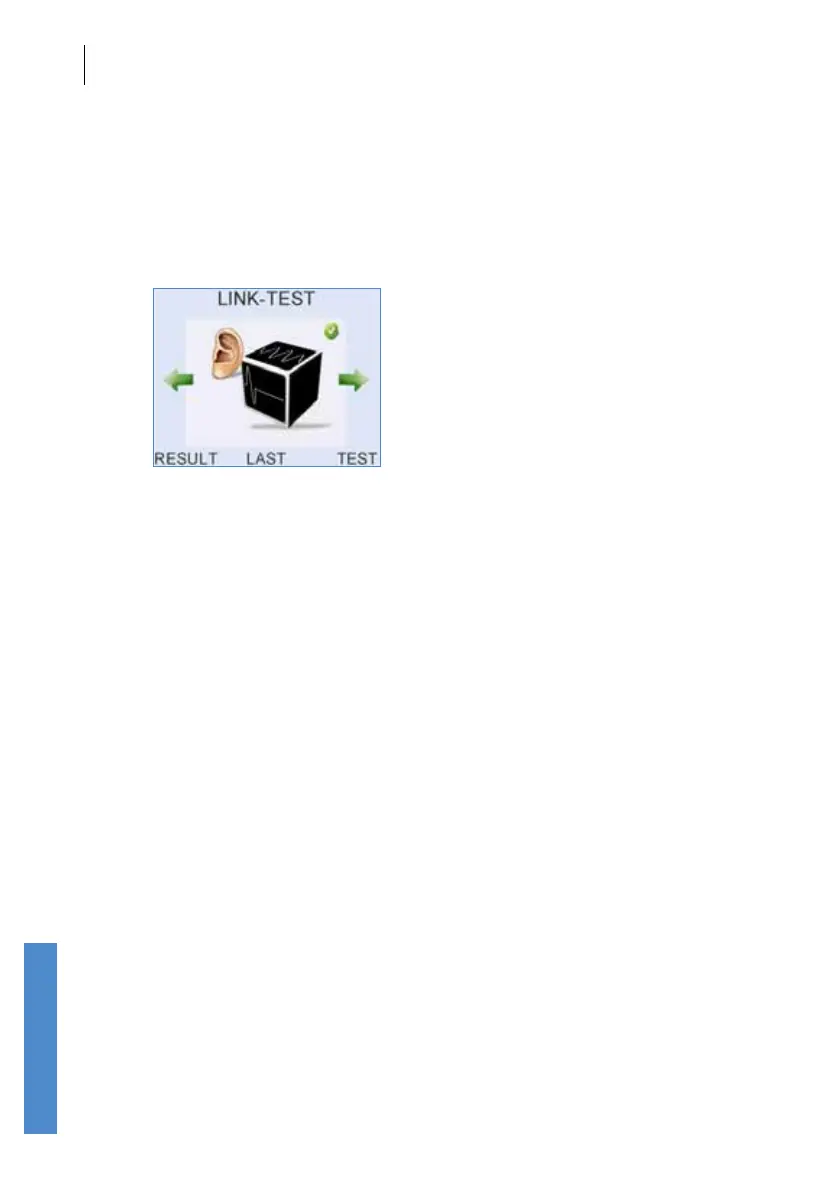
The Link-Test function allows a sequence of tests to be run automatically.
It can be used to run all the tests currently available on the same ear (i.e.
if all modes are set in Cong as On, then it will run a TE, then a DP High,
then a DP Low. If any mode is turned O in Cong (see section 15.2 Test
Settings) then that mode will not be included in Link-Test. If only one test
mode is switched on, then Link-Test is not available.
Select Link-Test from the scrolling modules.
Enter Patient Details and select the test ear. Test ear is selected before
the test begins, rather than after as for other test modes, so that tests may
then proceed automatically.
The rst test in the sequence will then begin. The test will run as it would if
it had been started from the TE or DP Test menus (chapters 8 and 9) except
that all tests will auto-start, regardless of the setting in Cong. When one
test has nished the Otoport will proceed to the next without any action
from the user.
The result of the last test performed is available for review at the end of the
sequence. The other results can be reviewed in Records.



 To Next Page