CHAPTER TEN
ABR test
84
ABR test procedure
TRAINING
REQUIRED
10 ABR test
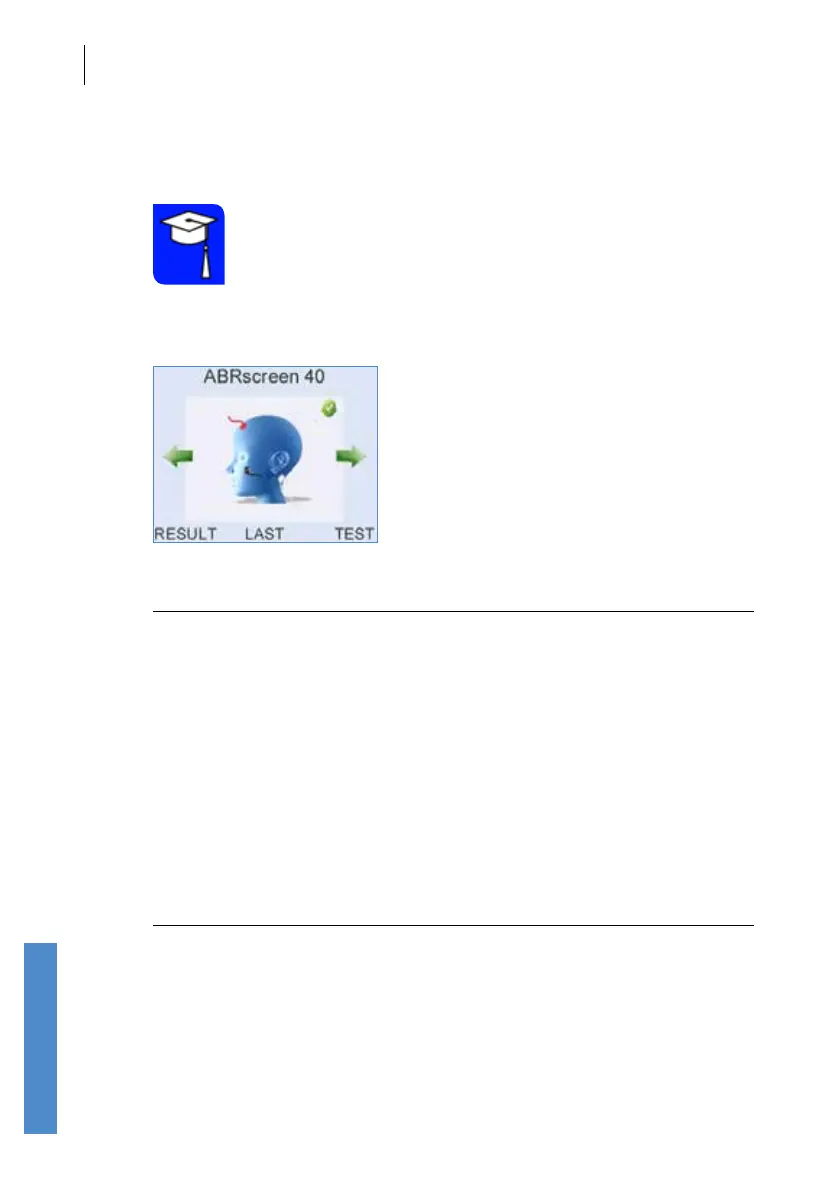
Use the left or right arrow key to choose your ABR test screen.
Note:
The ABR test can operate in dierent Modes. The following text
refers to Screening Mode, where Autostart is ON. See section
15.2.4 in the Conguration chapter for Mode conguration
option. The electrode colours are for the standard electrode
connection cable and may dier if other cables are in use.
Connect the electrode leads and the OAE probe to the ABR unit and
prepare your patient. Connect the red (+ve) cable to the high forehead, the
white (-ve) cable to the nape of the neck and the black (common) cable to
the back of the shoulder (see chapter
5 Test preparation for full details).
Select Test to being testing.
Note:
If you see the message “ABR Mains is Not Set”, your Otoport
has not yet been permanently congured for your region. You
must select the powerline frequency in your region (see ABR
Mains in 15.2) Test Settings).



 To Next Page