CHAPTER THIRTEEN
Worklist
108
Worklist
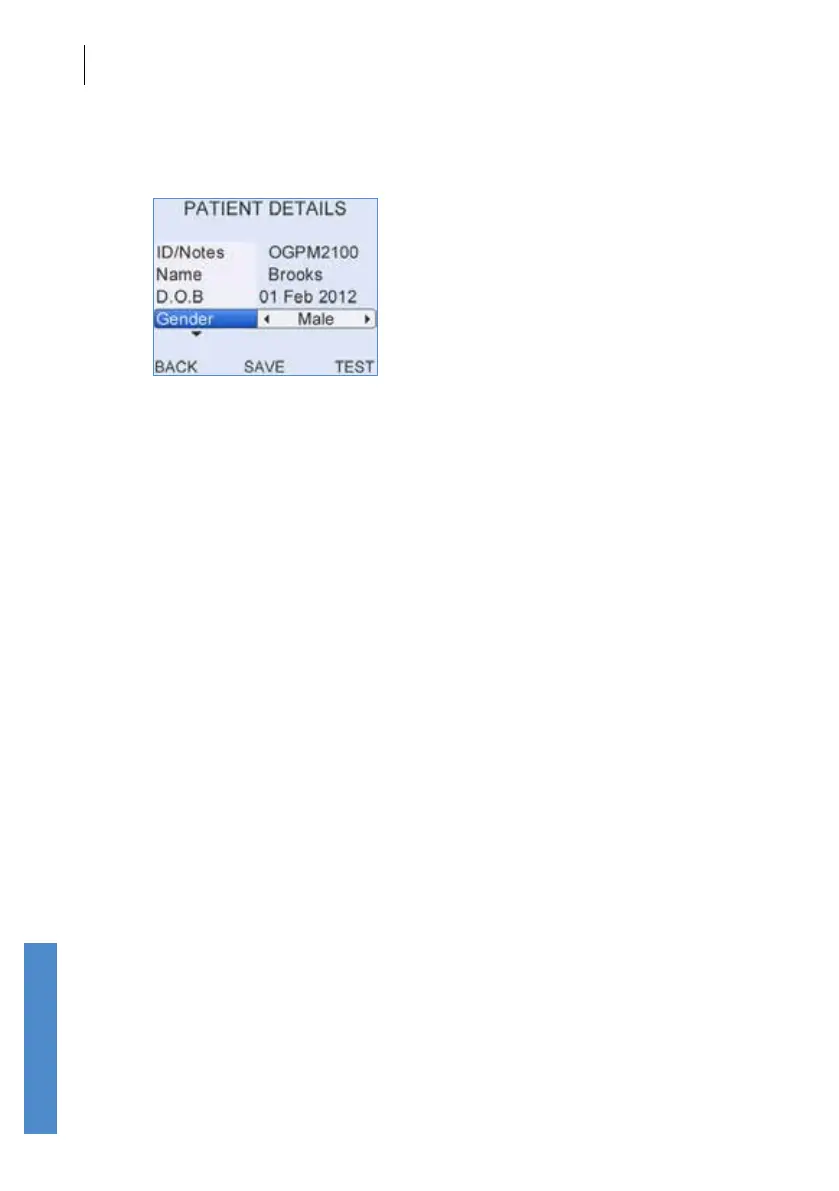
Complete the required details on the Patient Details screen. The ID/
Notes and Name elds are pre-lled but can be over-written.
When details are complete select Save to save the details to the Work
List, Test to run a test on this patient immediately or Back to discard these
patient details.
Up to 50 patients may be added to the worklist.
13.2 Editing details
Scroll to the required patient. Select Details to edit the patient information
on the Patient Details screen.



 To Next Page