Otoport OAE+ABR
User Manual for Otoport DP+TE model
39
Getting started
3.7 Using the keys and keypad
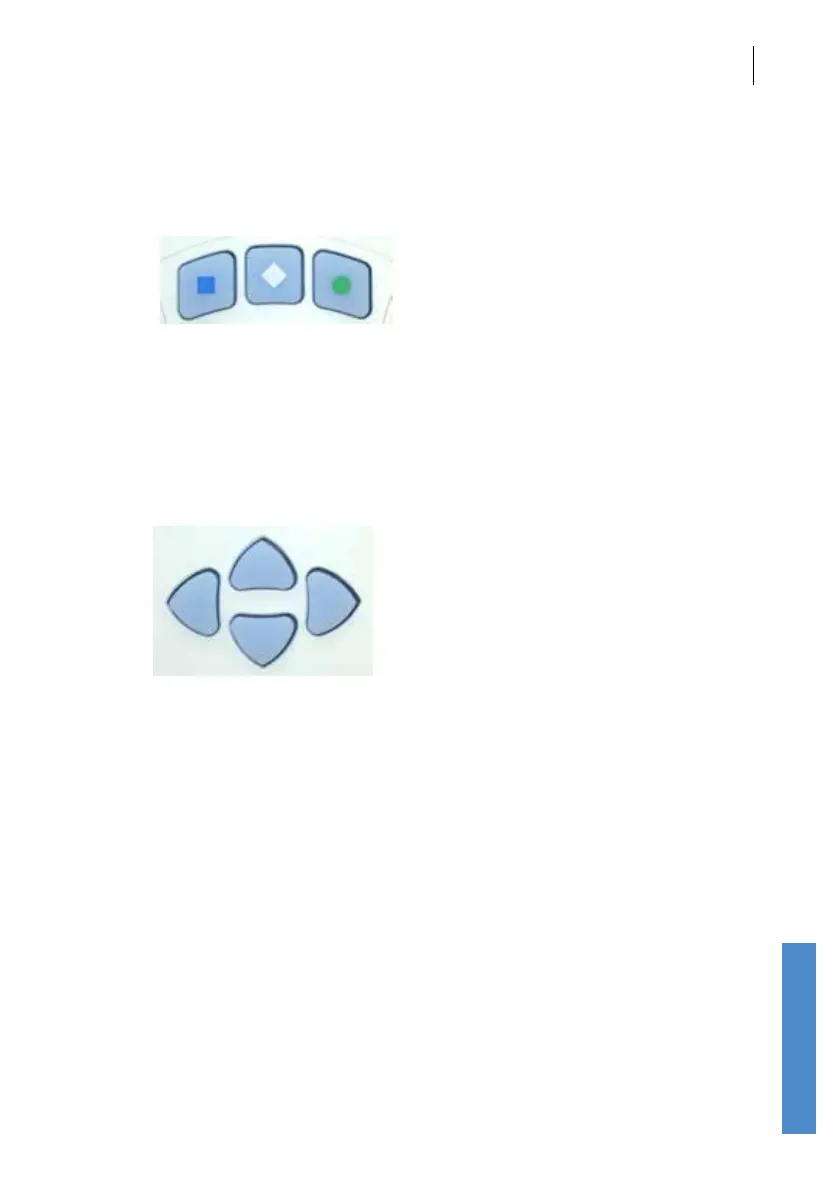
3.7.1 Control keys
The keys directly below the screen marked with a square, a diamond or a
circle enable you to execute the functions oered on the screens. Their
functions vary from screen to screen, but generally the right (circle) key
provides armative options and the left (square) key provides negative
options.
3.7.2 Arrow (navigation) buttons
The arrow (navigation) keys provide Left, Right, Up and Down control and
allow the user to move to options available on the screen. The selected
option becomes highlighted.
The left and right arrow keys scroll through the main menu options.



 To Next Page