CHAPTER SIXTEEN
Printing and downloading
146
Printing
16 Printing and downloading
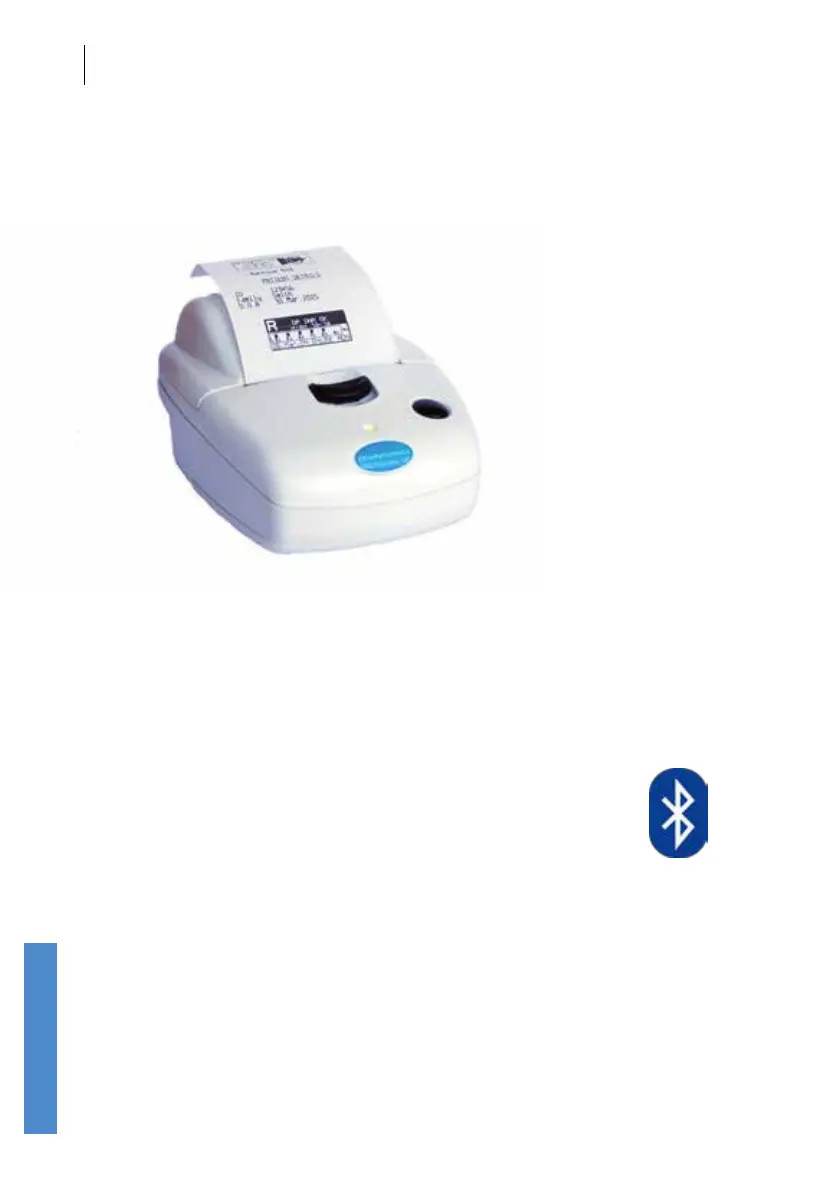
Test results can be printed on the optional Otoport mini-printer or
downloaded to PC for printing, archive or export. Wireless (via Bluetooth)
and wired (via supplied cables) connections are available for both
functions.
16.1 Bluetooth wireless printing and
download
Wireless printing and downloading are only available on Bluetooth enabled
Otocheck ABR and Otoport instruments. If a Bluetooth module is tted,
a Bluetooth symbol (shown above) is included on the product label.
Downloading can also be performed with a wired connection, using the
cables supplied.
However, the Bluetooth connection supports either printing or downloading,
not both (see
15.5.4 Setup to select which function is available). The
softkey Print or PC-Load is shown on screen whenever the function is
available.



 To Next Page