Otoport OAE+ABR
User Manual for Otoport DP+TE model
107
Worklist
13 Work List
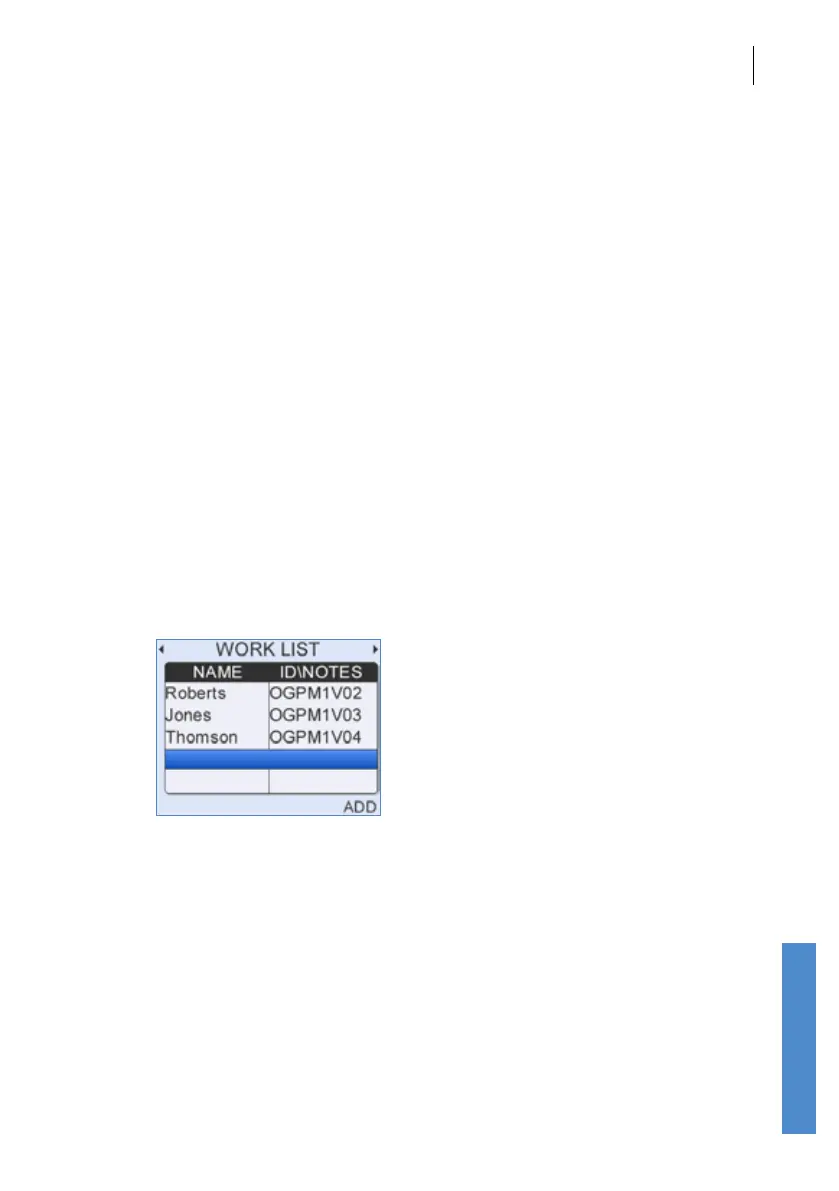
The Work List allows details for multiple patients to be entered into the
Otoport prior to testing. This eliminates the need for data entry while with
the patient, enabling faster, more exible testing. To use the Work List, it
must be turned on in the Cong area (see chapter 15).
Access the Work List by using the left or right navigation keys from the
main menu.
If there are patients in the Worklist, then the Worklist will be the rst screen
shown when the Otoport is switched on. This aids ecient testing of the
loaded patients.
13.1 Adding Patients
If the Work List already contains patients scroll down to the last line which
will be empty then select Add.



 To Next Page