CHAPTER SIXTEEN
Printing and downloading
154
Printing
Select the printer required with the navigation keys and then Select.
Printing will then commence.
To cancel the printout, select the Cancel button.
When your print has completed, pull the paper sharply towards you across
the serrated tear bar to remove the printout and store it with your patient
records.
16.5 Printer fault detection
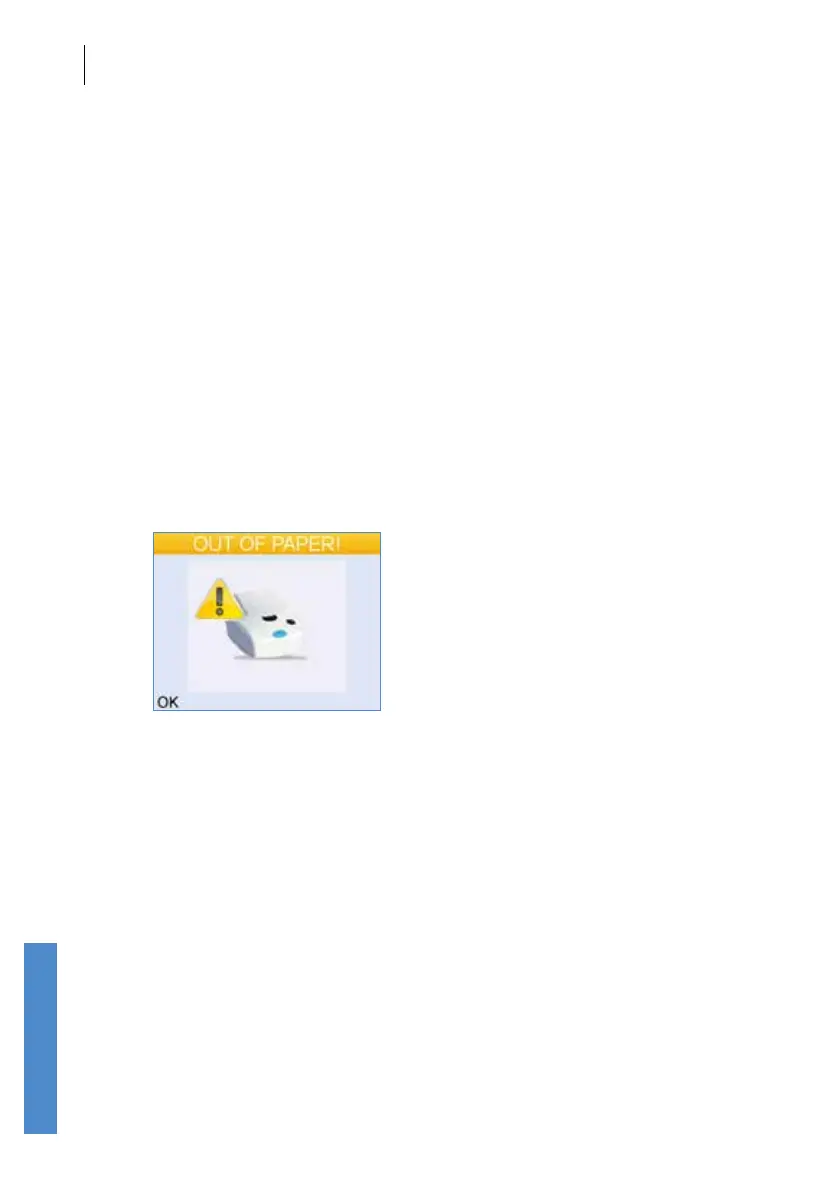
The printer can detect if the paper roll has run out, or if the lid is open.
The Otoport will report the printer is out of paper and the following message
will be displayed.
Select OK to cancel the print job. Retry the printout when you have
rectied the problem.
For wireless printing, print jobs sent to the printer will be stored (spooled)
and printed when the detected condition is rectied. The printer’s green
light will ash when a print job is being stored.



 To Next Page