Otoport OAE+ABR
User Manual for Otoport DP+TE model
153
Printing
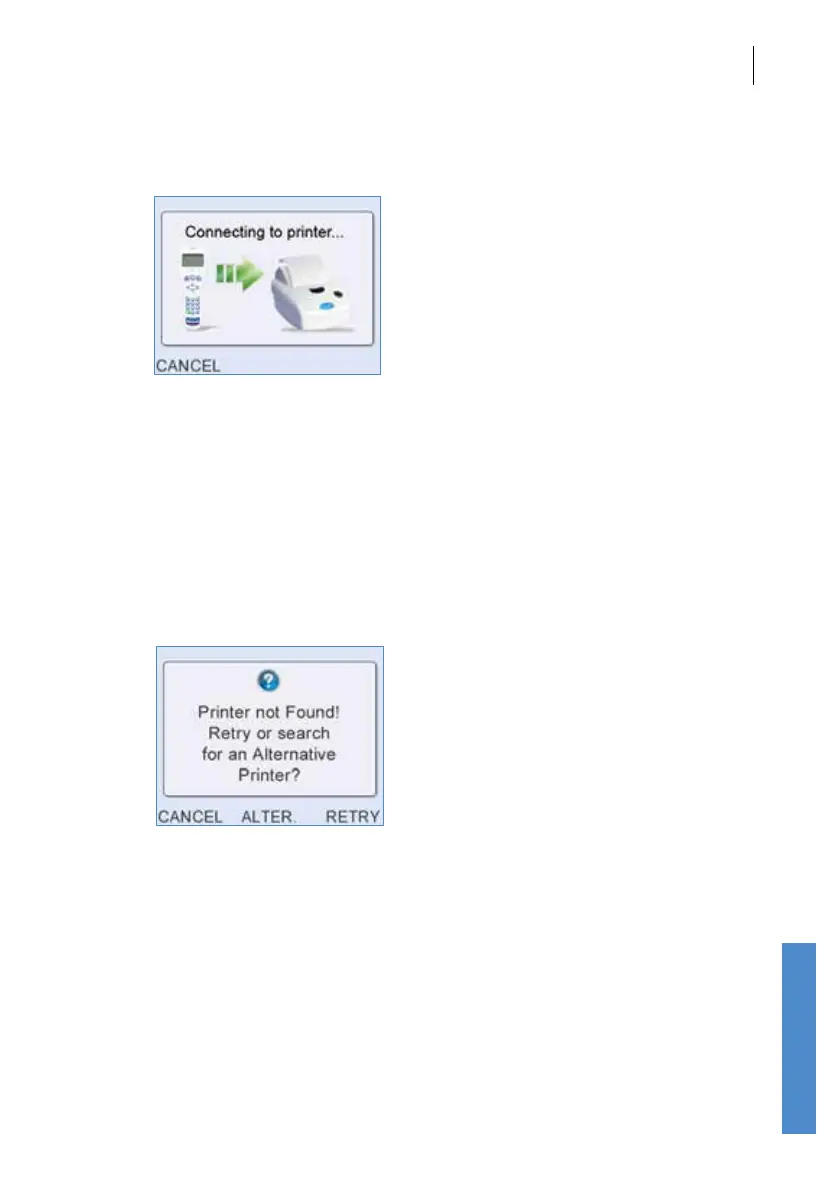
When a print is initiated, the Otoport will establish communication with the
printer. The screen Connecting to Printer will be displayed.
The printout will then commence. When the printout is completed the
screen from which the print was initiated will be displayed.
If there is a problem connecting to the printer using the wired method, the
message Printer not connected! will be shown briey and then the screen
from which the print was initiated will be displayed. Check the printer is
connected correctly and switched on then re-try.
If there is a problem connecting to the printer using the wireless method,
the following screen will be displayed providing options to cancel, search
for an alternative (Alter.) or Retry.
To Retry the print, ensure the printer is switched on and is within range
(5m). Then select the Retry button.
If printing wirelessly and you have an alternative printer available, or
if Retry is unsuccessful, select Alter. The Otoport will search for all
available printers, taking up to 30 seconds.
Up to ve available printers will now be listed in order of signal strength.
The rst number displayed on the screen corresponds with the serial
number printed on the bottom of the printer. The second number indicates
signal strength.



 To Next Page