CHAPTER FIFTEEN
Conguration
136
Conguration
15.4 System
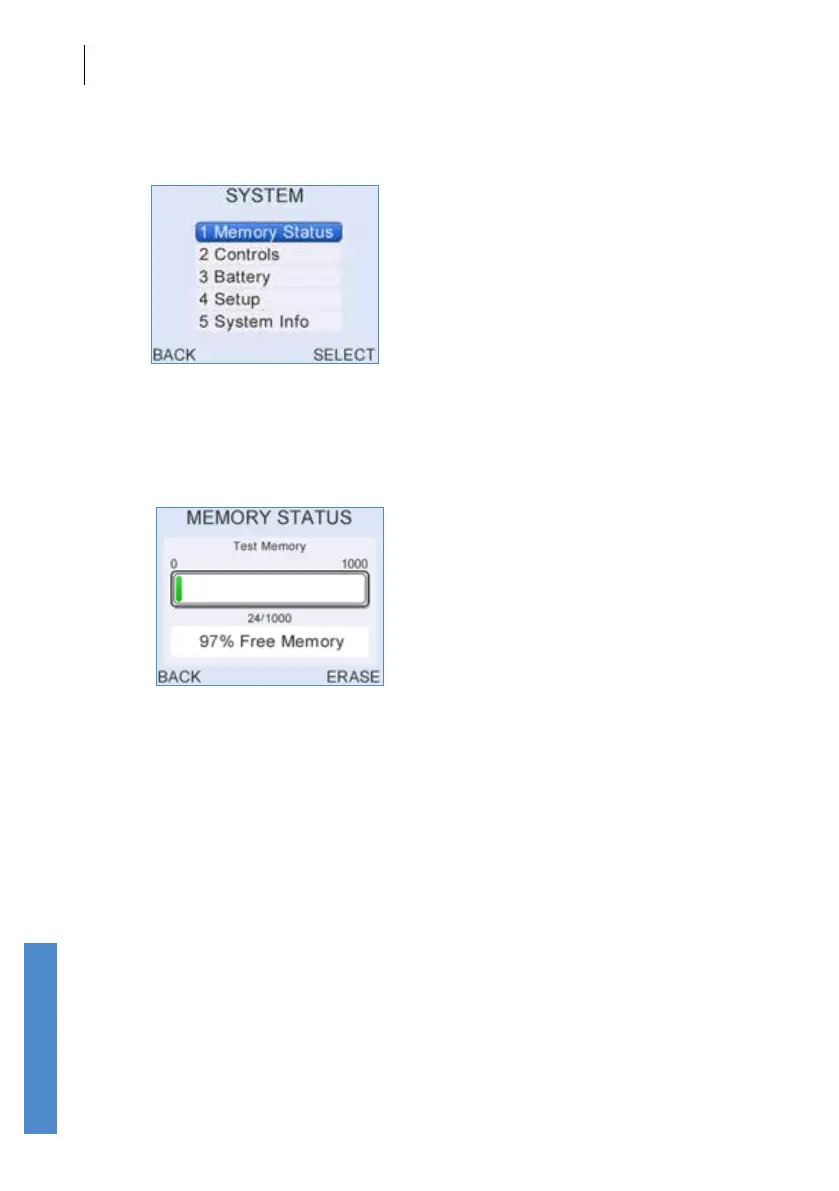
The System screen allows users to view information on Memory Status,
Controls, Battery power, System Information or to change the Setup.
15.4.1 Memory status
The Otoport has the capacity to store up to 1,000 test records. The
memory status screen displays the number of records currently stored and
the percentage of memory still available.
Selecting Erase deletes all test records from the Otoport after requesting
conrmation from the user. A screen conrming the Erase is then
displayed and the user is returned to the main menu.
If there is less than 10% free memory then the Memory Status screen will
be displayed at start up.
When 0% free memory is reached, the Memory Status screen will be
displayed and no further tests may be performed until tests have been
erased.
The Memory Status screen will be displayed immediately after the 900th
result has been saved warning the user that there is limited storage
capacity left.
If the Memory Status screen has been displayed because the Otoport
memory is full or nearly full, the user will be prompted to Download data to
a PC using Otolink (see the separate Otolink User Manual).



 To Next Page