Otoport OAE+ABR
User Manual for Otoport DP+TE model
47
Switching on
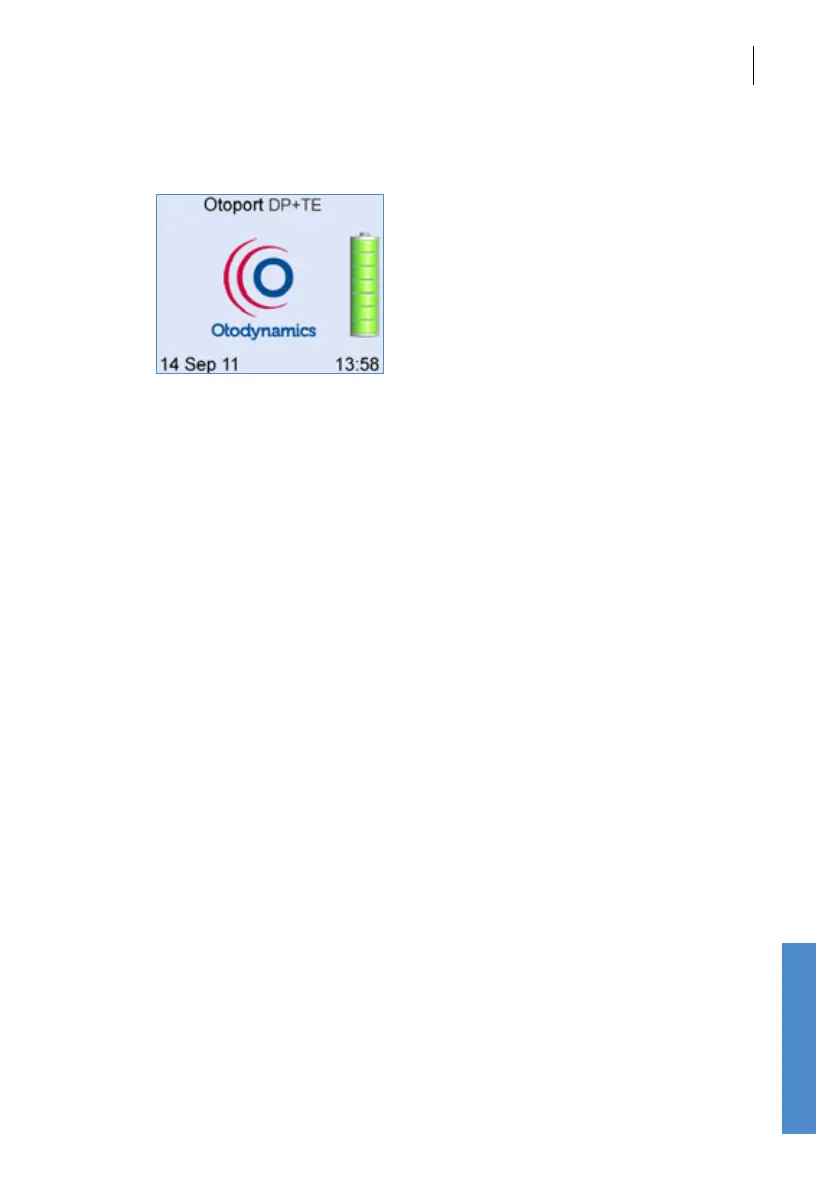
4.2 Logo screen
Following switch on, an Otodynamics’ logo animation is displayed whilst the
device performs a series of hardware system checks. In the unlikely event
of any of the systems checks failing, an error message will be displayed
(see section
22.5 Hardware fault messages for details).
A battery graphic will appear to the right of the logo to provide an indication
of the Battery Power remaining. Please refer to chapter 19 Otoport Power
for battery information.
A prompt will be shown if the Otoport is due to be calibrated (see chapter
25
Calibration).



 To Next Page