CHAPTER SEVEN
OAE test procedure
64
OAE test procedure
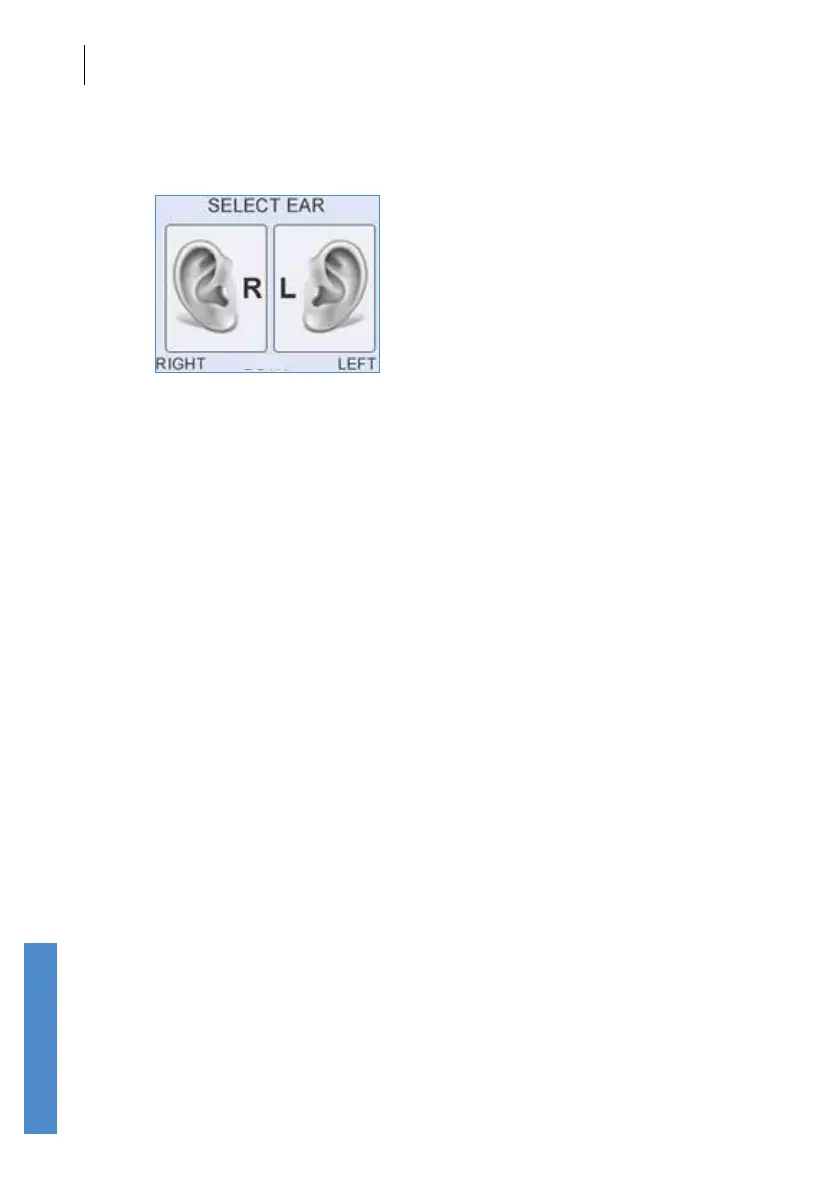
7.3 Select test ear
The Select Ear screen represents the patient facing you.
Press the right menu selection key or the right arrow key to select the Left
Ear or press the left menu selection key or the left arrow key to select the
Right Ear.
ABR tests may be run bilaterally (on both ears), so a third option Both can
be chosen. Further information on bilateral ABR testing follows in chapter
10.
If the patient’s previous test was saved to the same ear, the pop-up
message Last Test Saved to Left/Right Ear. Save Test to Left/Right Ear
Again? will appear. Press Yes to accept the current ear choice or press
No to return to the Select Left/Right Ear screen.



 To Next Page