Otoport OAE+ABR
User Manual for Otoport DP+TE model
33
Getting started
3.4 Connecting probes and electrodes
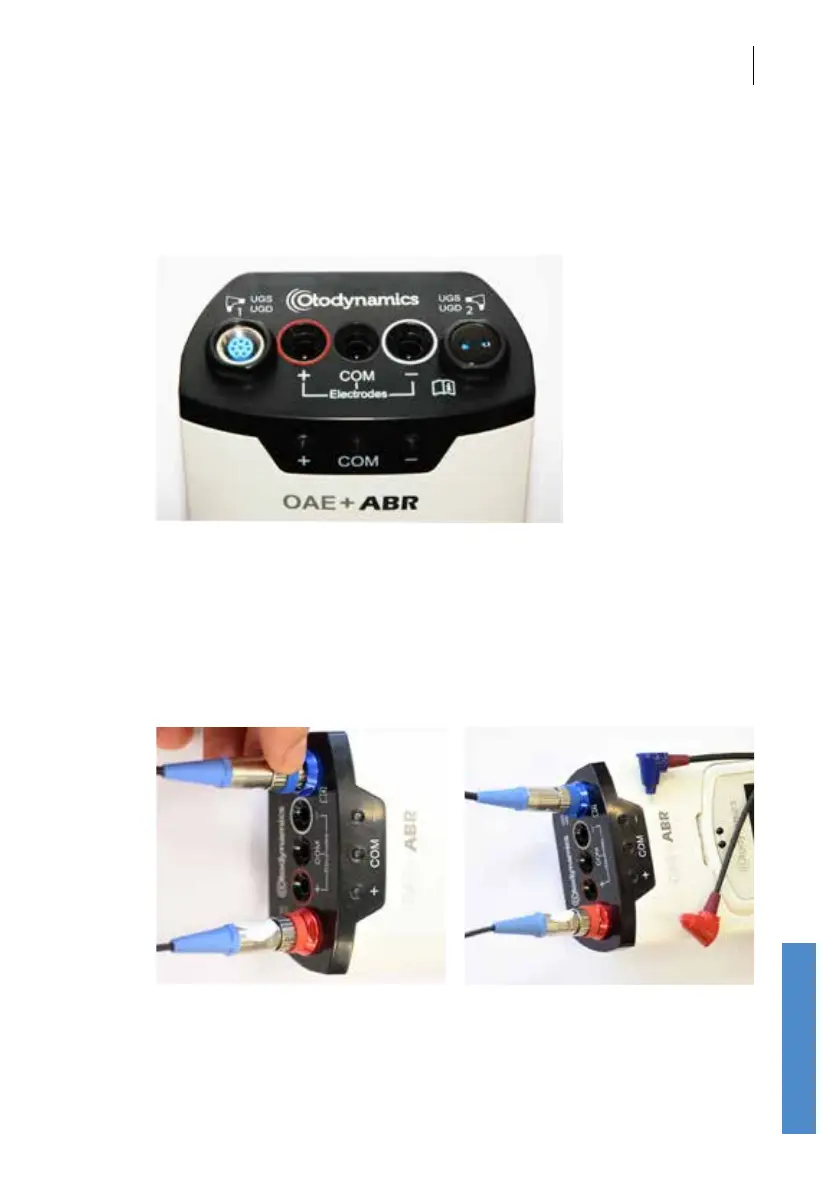
The connections panel for probes and electrodes is found at the top end of
the module.
3.4.1 Connecting the probe
Follow instructions for connecting the probe to the Otoport in section 3.7.
If you are using two probes, ensure that the probe head colour matches the
probe socket; the probe with the red head should be conected to the red
socket and the blue head to the blue socket.



 To Next Page