CHAPTER FOUR
Switching on
50
Switching on
4.5 Test choice
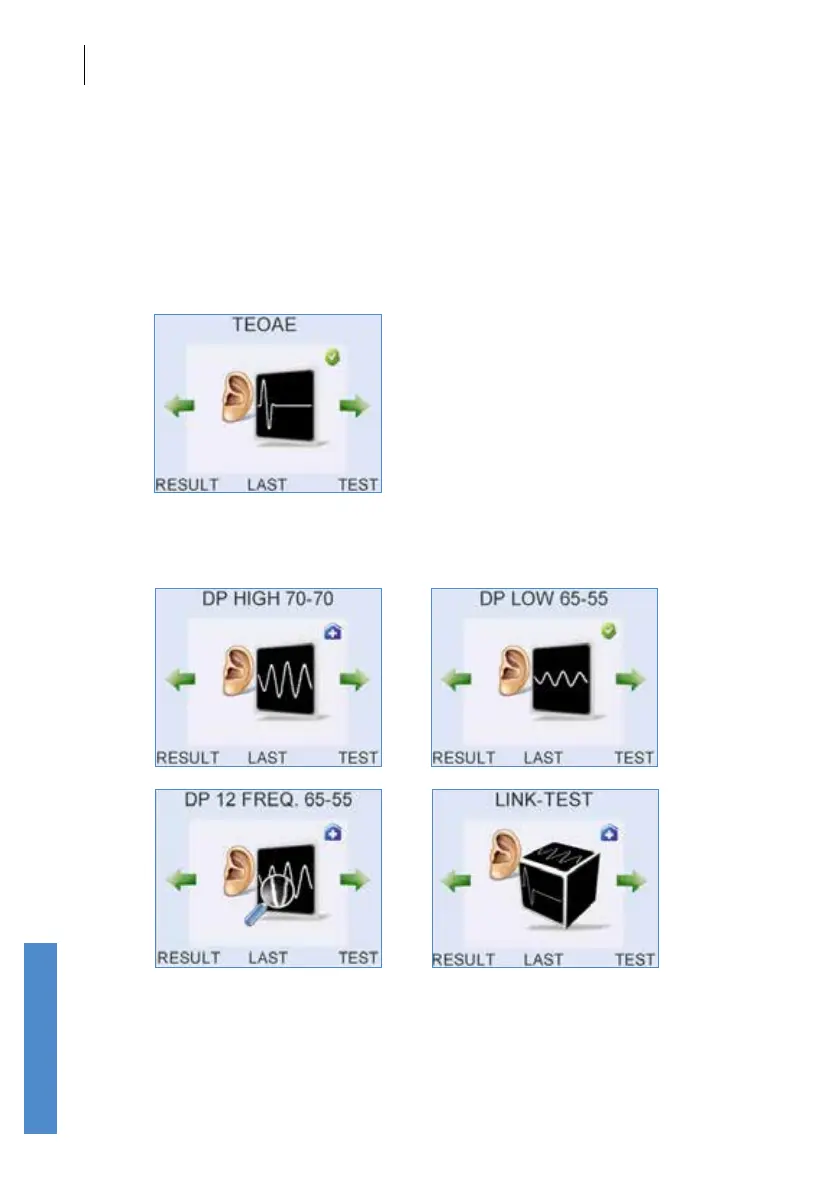
Following the logo screen, or after successful login, the test screen for the
last test used is displayed. From here you can view the Result for the last
patient tested, edit the details for the Last patient tested or start a Test on
a new patient.
Other module screens can be accessed using the left/right arrow keys.



 To Next Page