Otoport OAE+ABR
User Manual for Otoport DP+TE model
147
Printing
Bluetooth download requires that Otolink software is installed and that your
Otoport is paired with your PC. The password for pairing is 4679. See
your Otolink manual for full instructions.
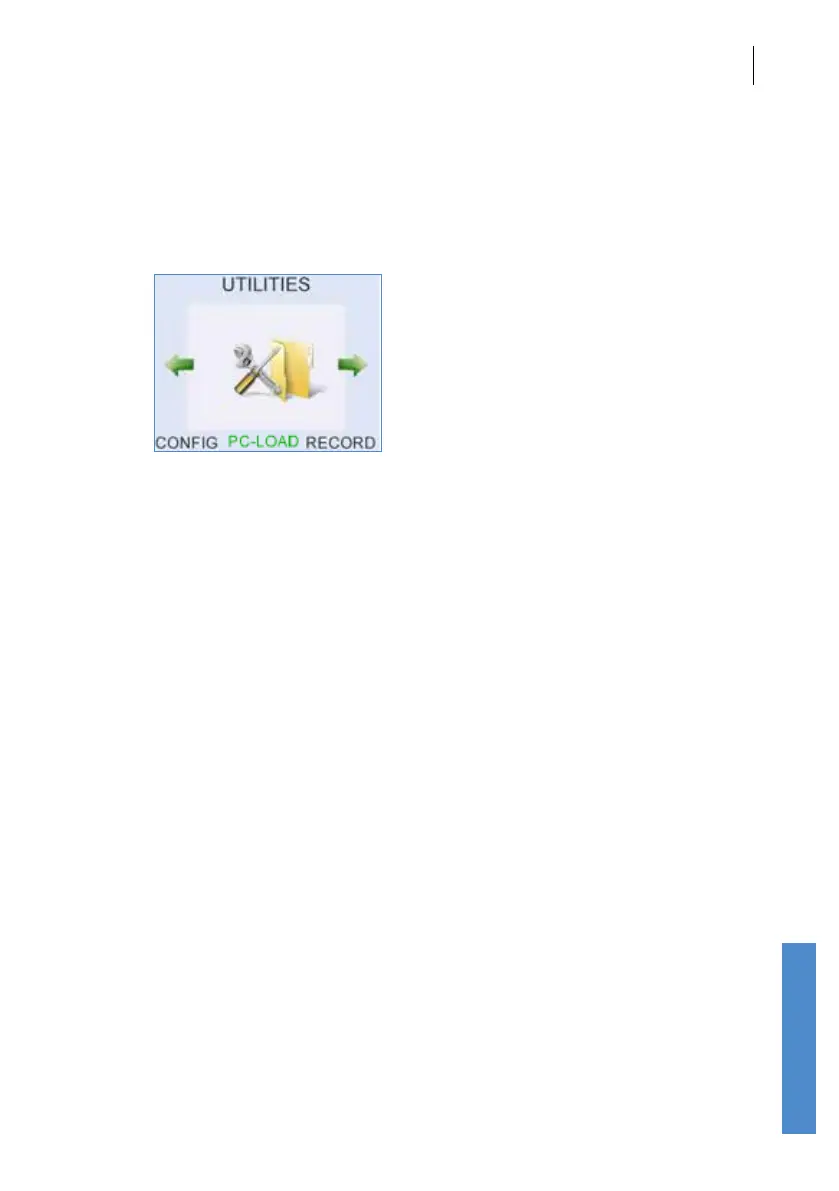
When the connection to the PC is ready to send data the PC-Load text on
the Otoport screen is green:
If the connection is not complete then the PC-Load text on the Otoport
screen is black.
Bluetooth printing is described throughout this chapter.
Bluetooth is disabled when the Otoport is connected to a power supply
(non US models only).
16.2 Wired downloading
Wired download is available at any time when a test is not in progress and
the Otoport database is not open. See the Otolink manual for details.



 To Next Page