CHAPTER FOURTEEN
Utilities
110
Utilities
14 Utilities
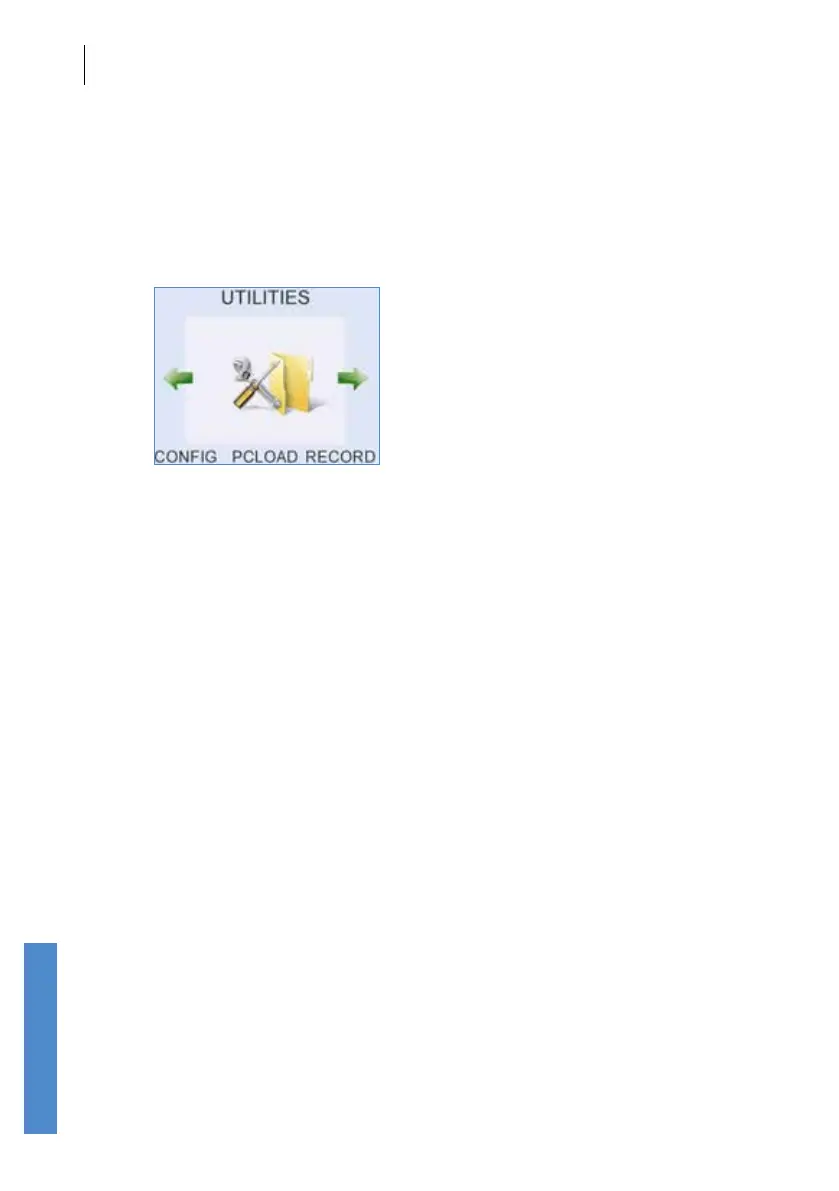
Select Record to see the Result of previous tests and to view the details of
patients previously tested.
Record also allows the user to select a previously tested patient for a new
test.
Records may only be deleted from within the Conguration area, via the
System menu, from the Memory Status screen (see chapter
15).
Selecting Record presents the user with the list of patients tested.
Select Cong to change conguration settings (see chapter
15).



 To Next Page