Otoport OAE+ABR
User Manual for Otoport DP+TE model
137
Conguration
15.4.2 Controls
Volume
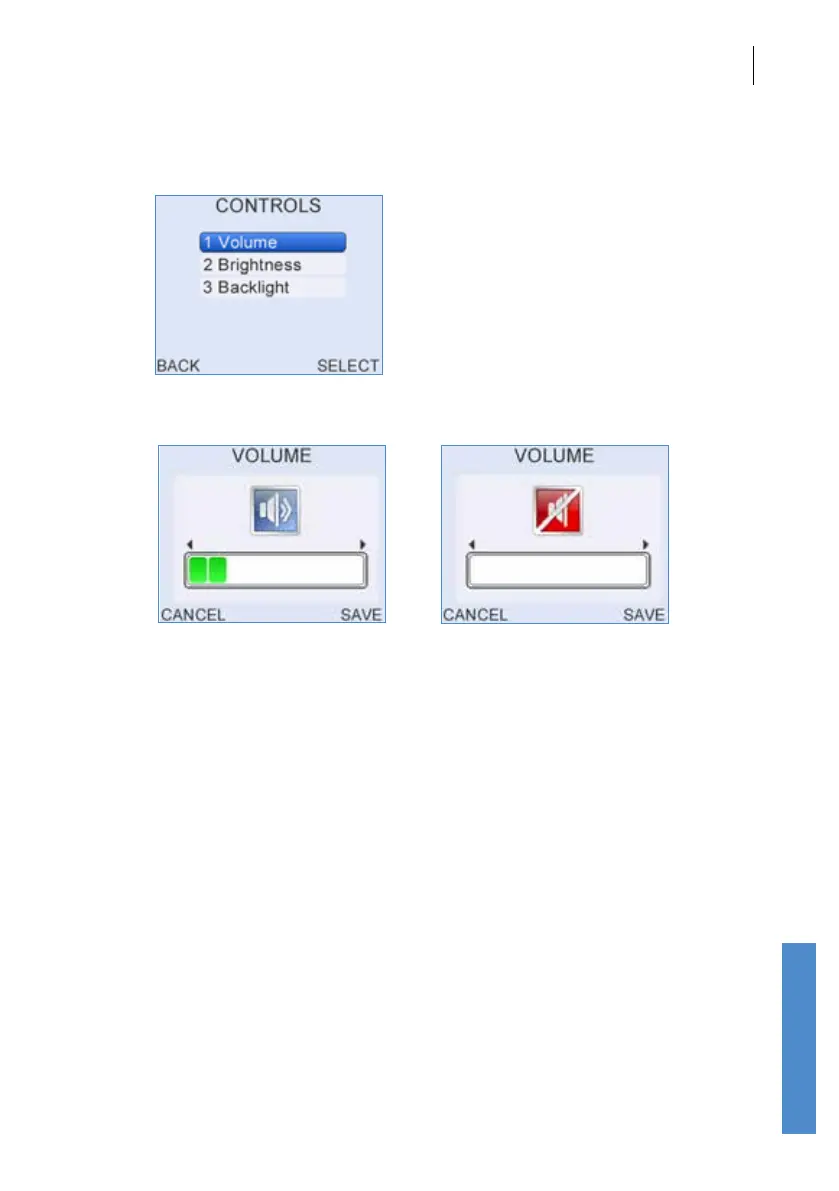
The current Volume level is represented on the display by a number of
shaded blocks. Use the Left/Right Arrow buttons to decrease or increase
the Volume level. To turn the sound o press the left arrow key repeatedly
until Sound O appears in the centre of the display.
Select Save to accept the new Volume level.
Select Cancel to ignore changes and return to the Controls Menu.



 To Next Page