CHAPTER FIFTEEN
Conguration
138
Conguration
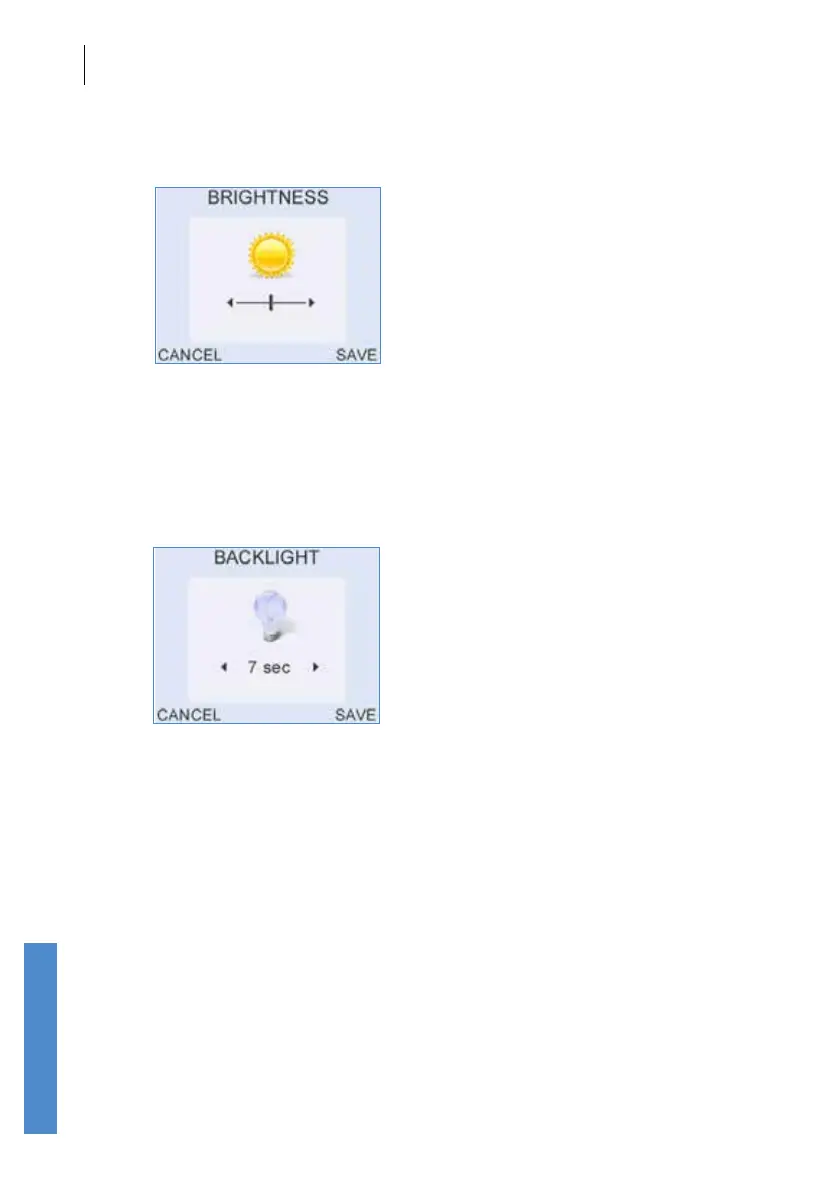
Brightness
The screen Brightness can be altered by pressing the left/right arrow keys.
Select Save to accept the adjusted Brightness level.
Select Cancel to ignore changes and return to the Controls Menu.
Backlight
Use the left and right arrow keys to toggle between the Backlight control
choices for the screen and keypad. The backlight can be congured to be
either always on or o, or on for a specic period of time (7, 10, 20 or 30
seconds) after a button press. Reduction in the backlight time will help to
preserve battery charge during operation.
Select Save to accept the Backlight setting.
Select Cancel to ignore changes and return to the Controls Menu.



 To Next Page